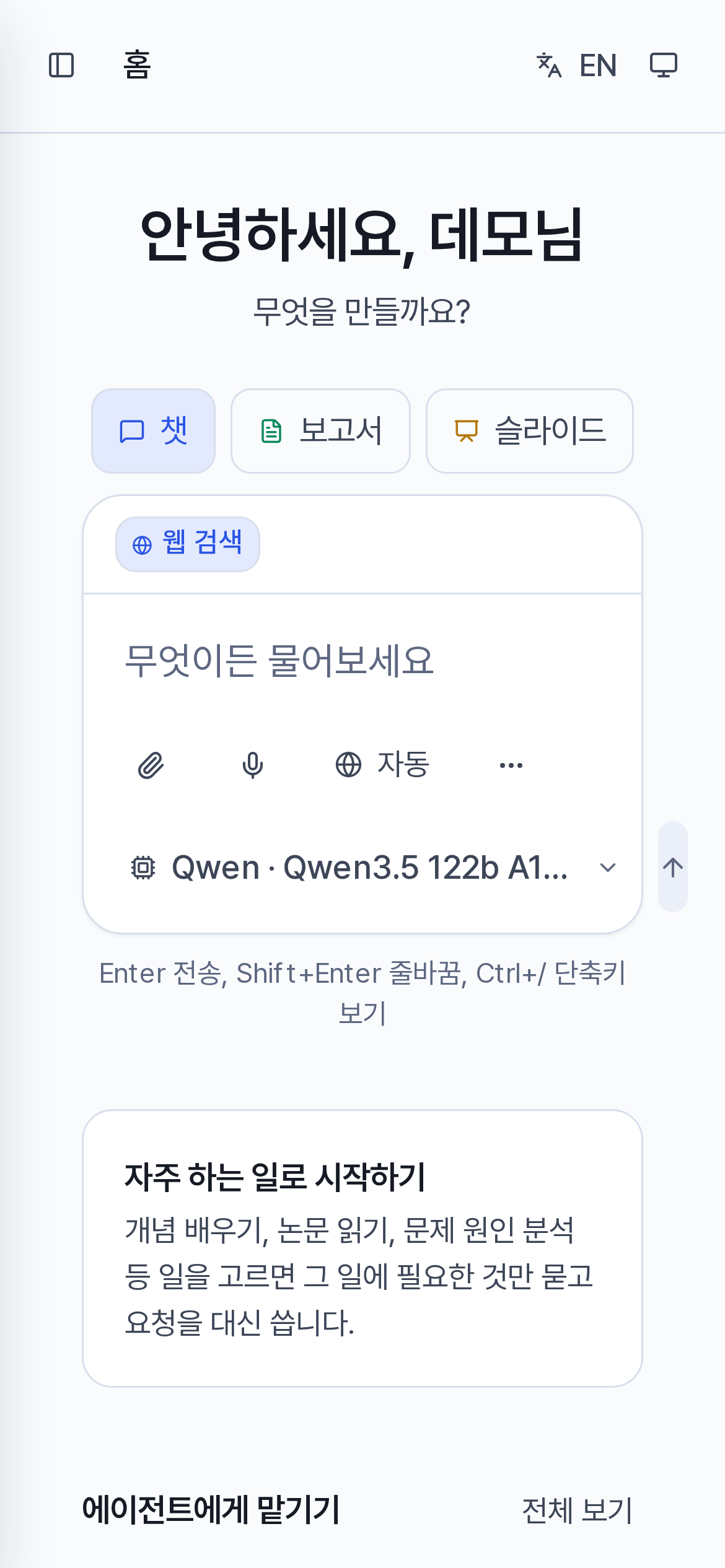
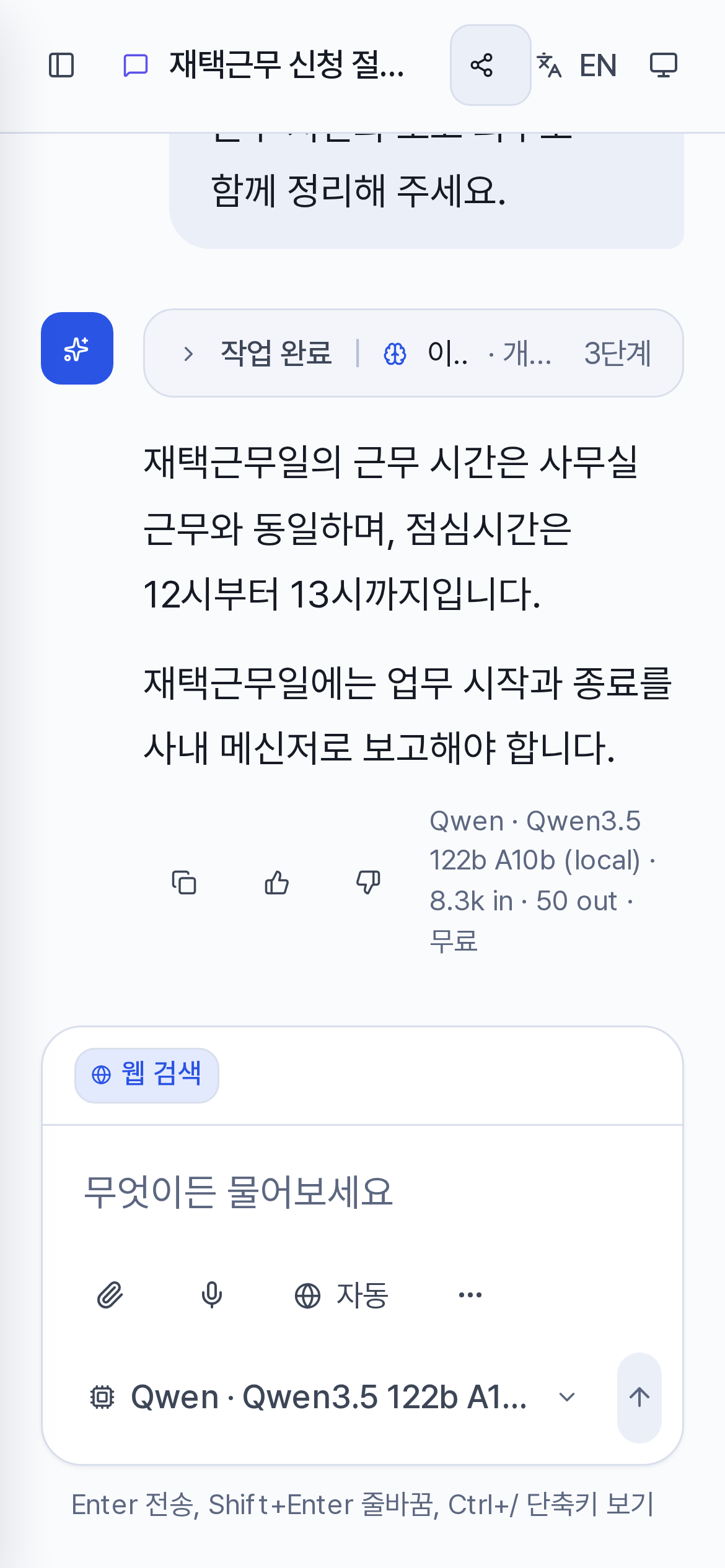
Home screen layout
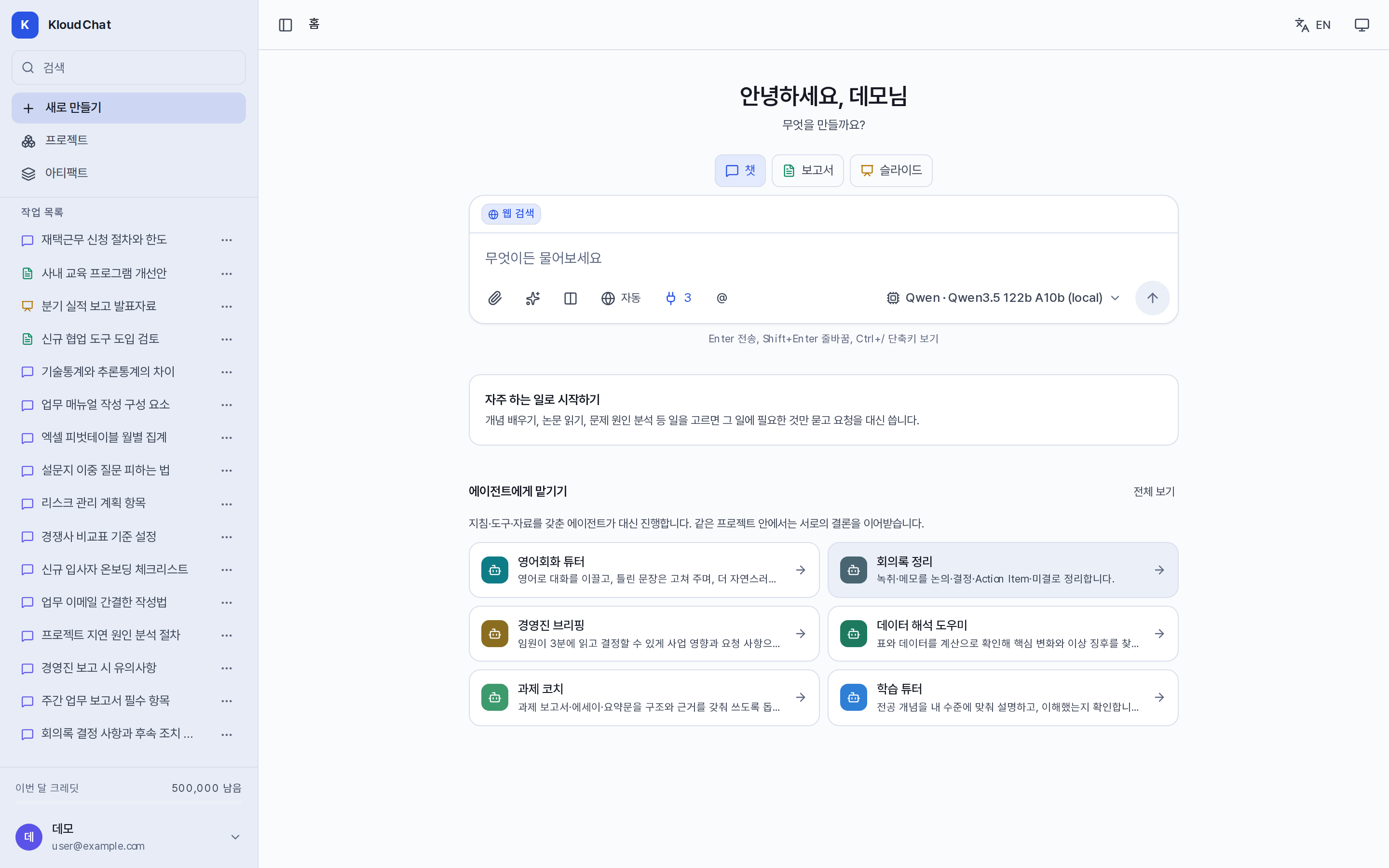
Signing in opens the home screen. Use the sidebar on the left to find past conversations, and the middle area to start new work.
Sidebar
| Area | Description |
|---|---|
| Search | Searches past conversations by title. Shortcut Ctrl+K. |
| New | Goes to the home screen so you can start new work. Shortcut Ctrl+Shift+O. |
| Projects · Artifacts | Goes to the workspace that holds your grouped files and to the gallery of generated outputs. |
| Conversation list | Shown in the order Pinned, conversation list (recent conversations) and Earlier conversations … Show more. Icons show the type of each item. The … menu on an item lets you rename it, pin it, remove it from a project and delete it. |
| Credit this month | The usage you have left. Press it to go to the usage screen. A model marked Free does not consume credit. |
| Account menu | Workspace (agents, skills, connectors, memory, designs, conversation history), account (integration guide, usage, settings, shortcuts), administrator menu, sign out. |
Choosing a screen and using the composer
Choose the screen you want from Chat · Report · Slides and type your request. If the administrator has enabled them, you can also choose Image and Audio/Video. Chat is for questions and answers. Report and Slides confirm the structure first and then write the document.
:::tip When you ask for a document in Chat If you ask for a document in Chat, for example "Write a report" or "Make a slide deck", the request moves automatically to a new conversation for that task. Agent conversations, requests that use a starting point, and requests about existing content such as "Summarize this" or "Review this" stay in Chat. :::
Composer features and where they apply
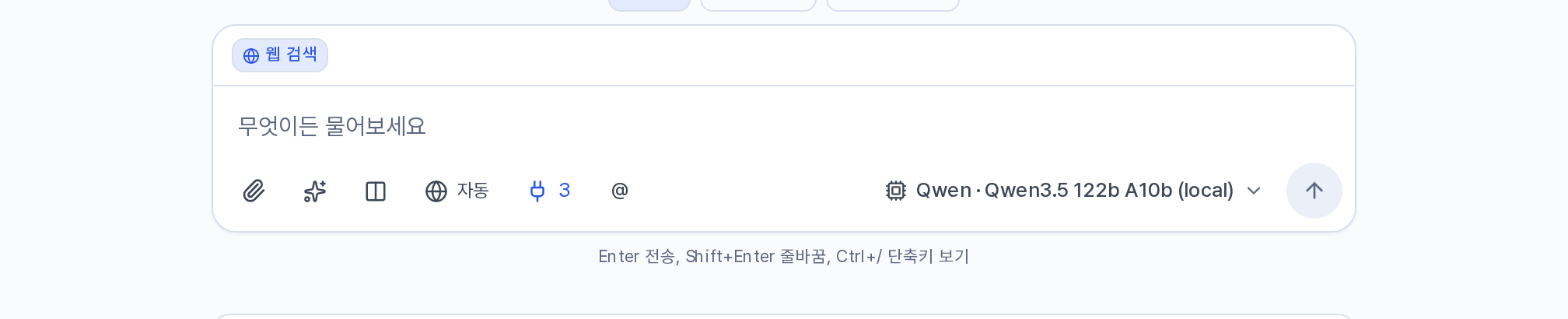
| Feature | Description | Applies to |
|---|---|---|
| 📎 Attach | Uploads a file. You can drag and drop files or paste them. | The whole conversation |
| 🎤 Dictate | Turns speech into text. Shown only when the administrator has connected speech transcription. | That input |
| ▦ Start a task | Selects a starting point or an output format. | A starting point applies to that request, and a format to that conversation |
| ✦ Skills | Selects up to three skills to apply to the request. | That request |
| ⫼ Compare models | Sends the same question to two or three models. Available only in Chat on the desktop. | That conversation. Cleared when you move to another conversation |
| 🌐 Auto · On · Off | Switches the web search mode. | That request. A new conversation resets it automatically |
| 🔌 | Turns the connectors you have installed on and off. The number beside it is the count of active ones. | Your whole account |
| @ | Selects an agent and starts a new conversation with that agent. | — |
| Model name ▾ | Selects the model to use. | Choosing it on Home makes it your account default, while choosing it during a conversation applies it to that conversation |
| ↑ · ■ | Sends the request or stops generation. | — |
The items currently in effect appear as chips above the composer: the project, the format, the starting point, skills, attachments and the Auto state. Press × to remove one.
Starting points and agents
- Start with something you do often: Choose a routine task such as explaining a concept, reviewing material or analyzing a cause. The screen asks only for the details it needs and builds the request for you. Starting points, formats and designs
- Hand off to an agent: An assistant that comes with instructions, tools and files. Selecting a card starts a conversation with that agent. Agents and skills
- In progress: Shown while a long task such as video generation is running.
Buttons at the top right
There are Share (on the conversation screen), Install app (installs a shortcut app in browsers that support it), EN (language switch) and a theme button. The theme cycles through system, light and dark.
Mobile screen
The composer shows only attach, dictate and web search. The remaining features sit under More tools. Model comparison is not available, and the processing details of an answer are collapsed as "n processing details".