Press Ctrl+/ anywhere on the screen to see the full list. On macOS, use ⌘ instead of Ctrl. Shortcuts are not available on the mobile screen.
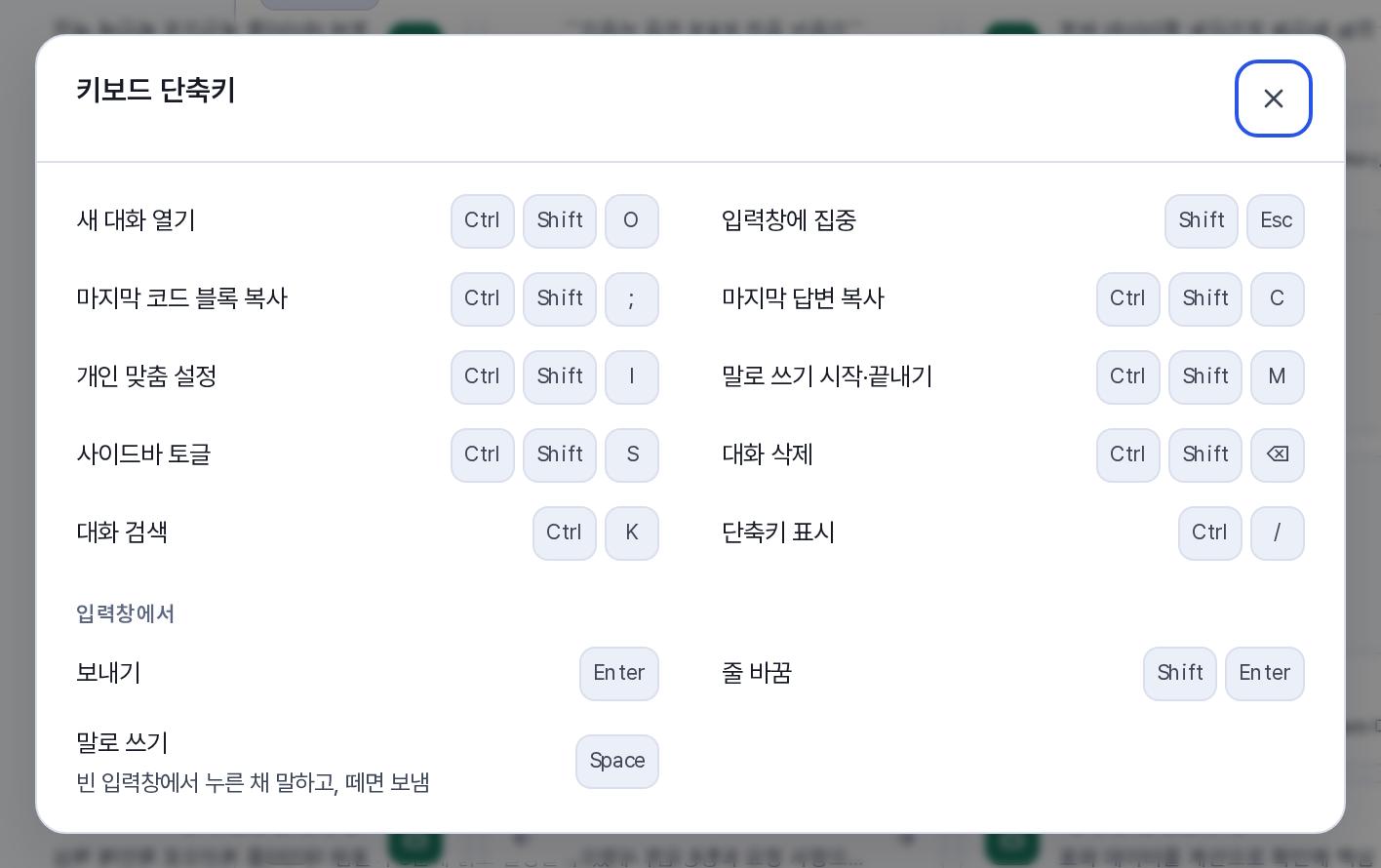
Global shortcuts
| Action | Shortcut |
|---|
| Open a new conversation | Ctrl+Shift+O |
| Move to the composer | Shift+Esc |
| Search conversations | Ctrl+K |
| Collapse or expand the sidebar | Ctrl+Shift+S |
| Copy the last answer | Ctrl+Shift+C |
| Copy the last code block | Ctrl+Shift+; |
| Open personalization settings | Ctrl+Shift+I |
| Start or stop dictation | Ctrl+Shift+M |
| Delete the conversation | Ctrl+Shift+⌫ |
| Show the shortcut list | Ctrl+/ |
Composer
| Action | Shortcut |
|---|
| Send | Enter |
| New line | Shift+Enter |
| Dictate | In an empty composer, hold Space while you speak. Release it to send immediately |
Document editor and presentation mode
| Action | Shortcut |
|---|
| Save | Ctrl+S |
| Save a source edit | Ctrl+Enter |
| Move between slides (presentation mode) | ← → |
| Show presenter notes | N |
| Exit presentation mode | Esc |