Allocating credits
Credits → Allocation / totals shows the pools you control and everyone one level below.
As a group administrator
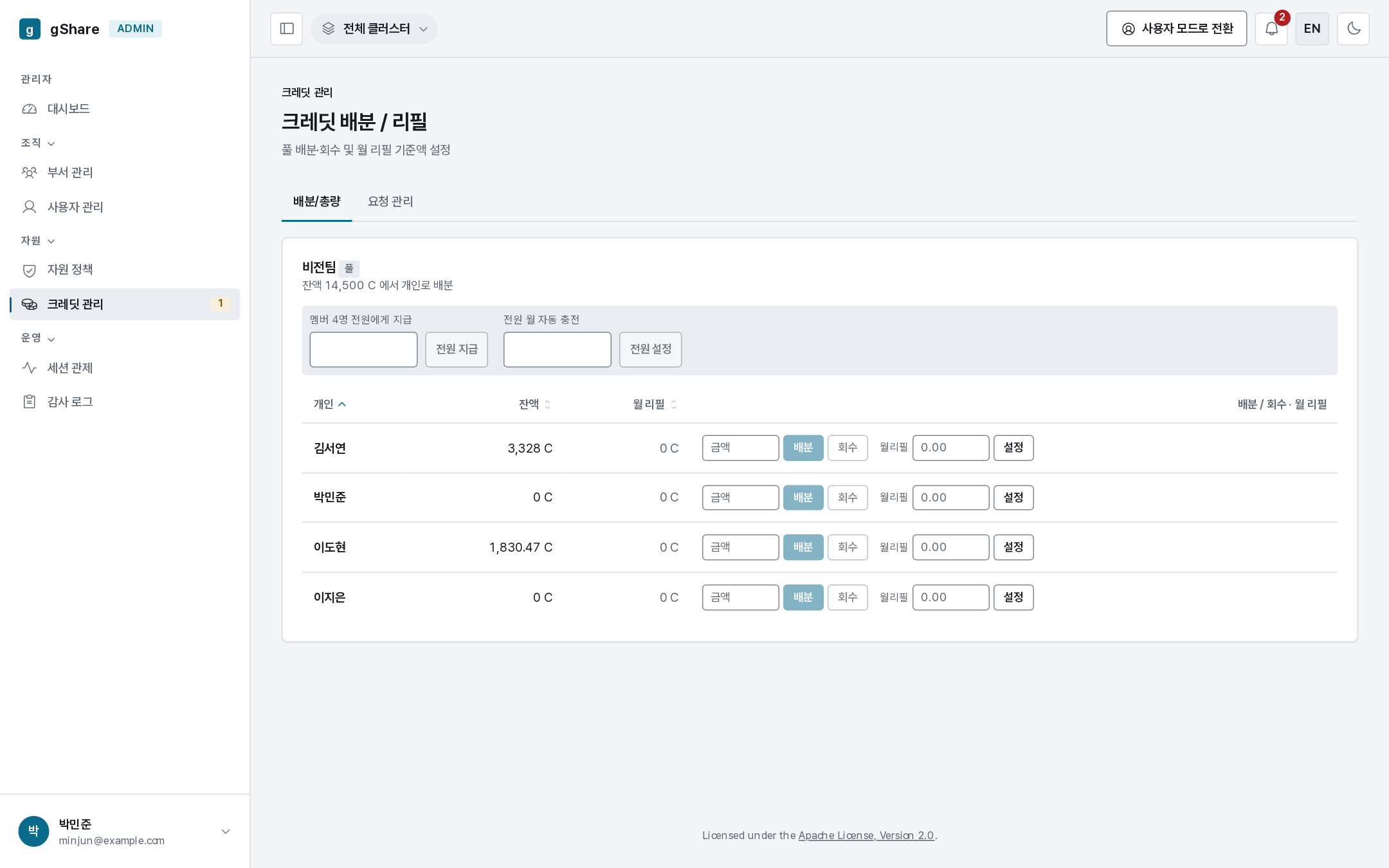
The group's pool balance sits at the top; each member has a row with their balance, monthly refill, and the controls:
| Control | What it does |
|---|---|
| Amount + Allocate | Moves credits from the pool to that person's wallet, immediately |
| Reclaim | Takes unspent credits back into the pool |
| Monthly refill + Set | Tops that wallet up to the figure at the start of each month |
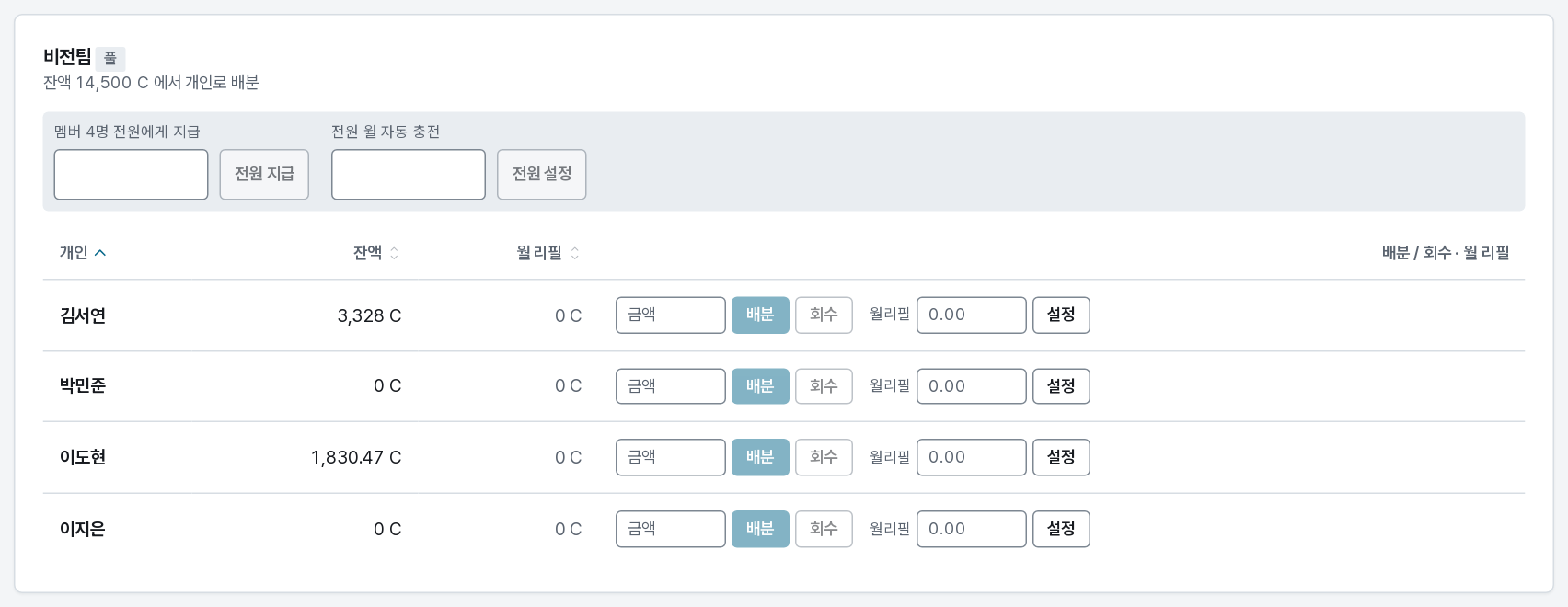
The band above the table does the same thing for everyone at once: Give all N members and Set everyone's monthly refill. For a class of thirty, that is one action instead of thirty.
A reclaim never touches credits a running session has held — it can only take what is free.
As an organization administrator
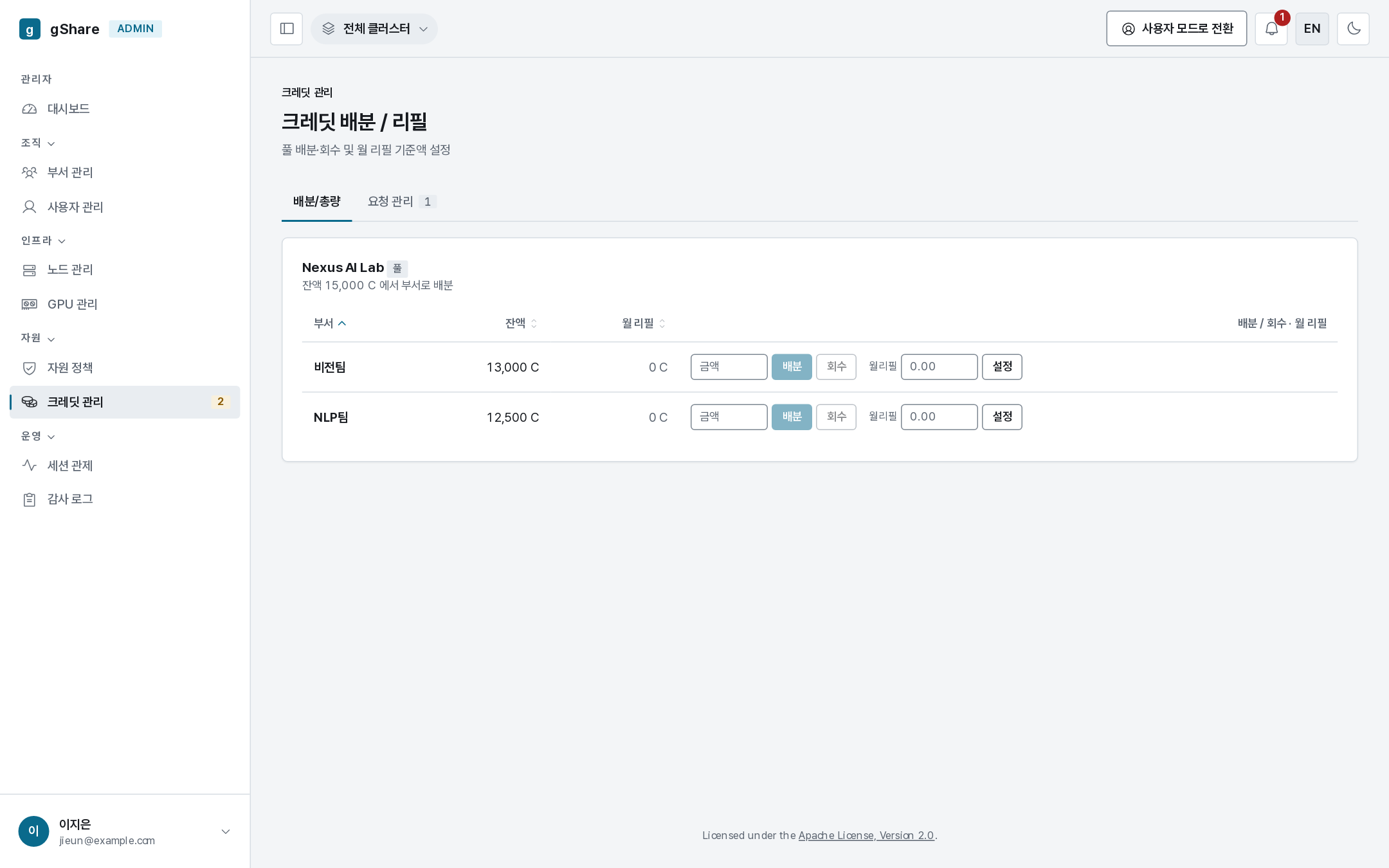
The same screen one level up: the organization pool, and a row per group. Allocate to a group and its administrator distributes onward.
The distributed total column is worth watching: it is the sum the groups have handed to individuals, and a group whose members hold far more than they spend is where reclaimable credits are hiding.
As the platform administrator
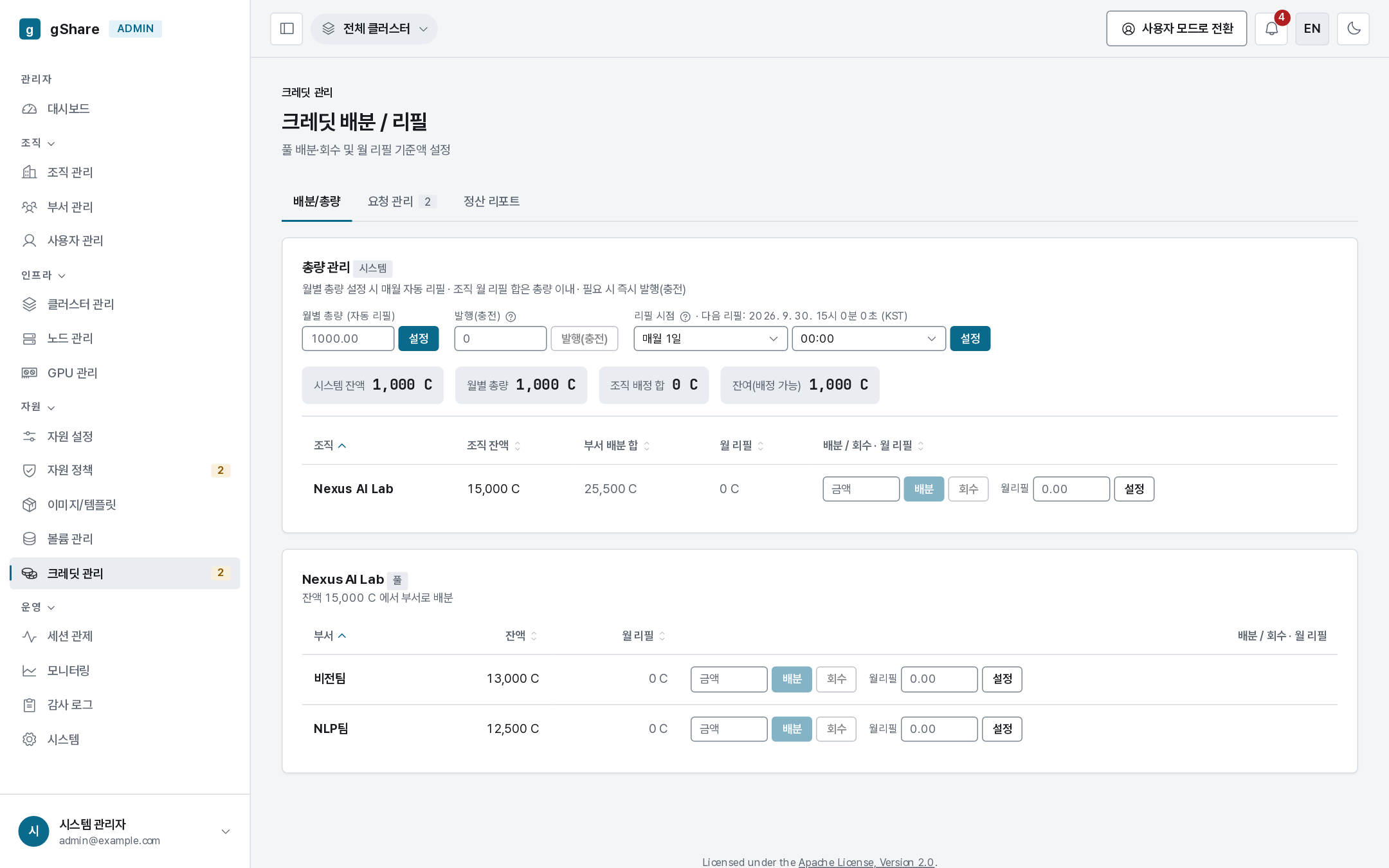
The super_admin tier is the only one that issues credits:
| Control | Meaning |
|---|---|
| Monthly total (auto refill) | The platform's budget per month; organizations are refilled from it automatically |
| Issue (top-up) | Mint credits into the system pool right now, outside the monthly cycle |
| Refill point | The day and time of the month the cycle runs (shown with the next occurrence) |
The band under it reconciles the figures: system balance, monthly total, the sum allocated to organizations, and what is left to allocate. Then one row per organization with the same allocate / reclaim / monthly-refill controls.
For anything recurring — a class, a lab, a standing budget — set a monthly refill rather than allocating by hand. It keeps working when nobody is watching, and the ledger shows exactly the same rows.
What lands in the user's wallet
Every movement here appears in the recipient's wallet history as an allocation, and in the audit log with actor, amount, and target. There is no silent way to move credits.