GPU devices
Every card the fleet reports, with what is on it right now.
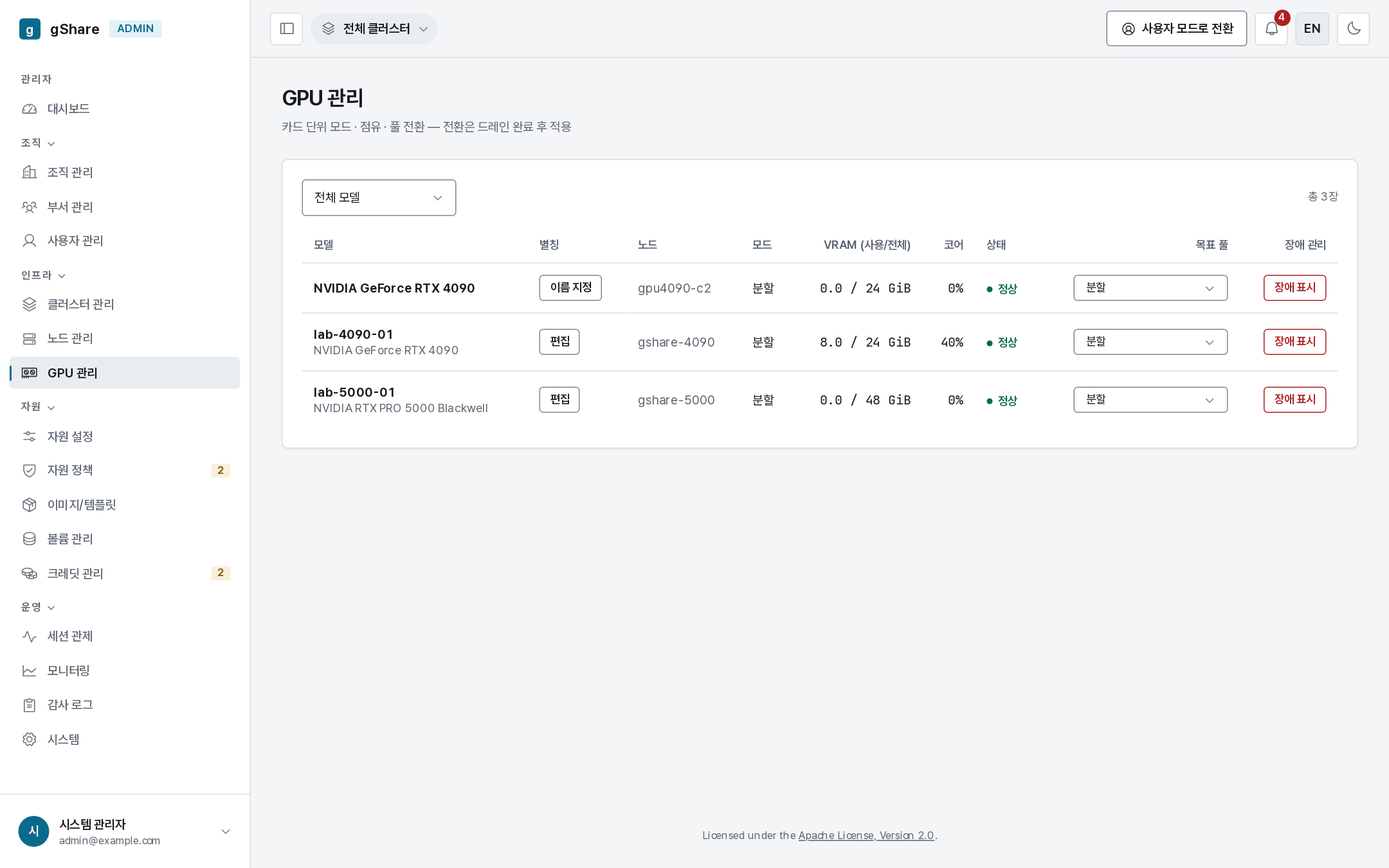
| Column | Meaning |
|---|---|
| Node / cluster | Where the card is |
| Model | The driver's exact string — this is what an offering must match |
| Alias | A human name you can give the card |
| VRAM (used / total) · cores | Allocation, not live utilization |
| Mode | fractional or exclusive |
| Bound sessions | The sessions holding slices of it |
| Target pool | The pool it is moving to, if any |
| Health | Mark faulty / restore |
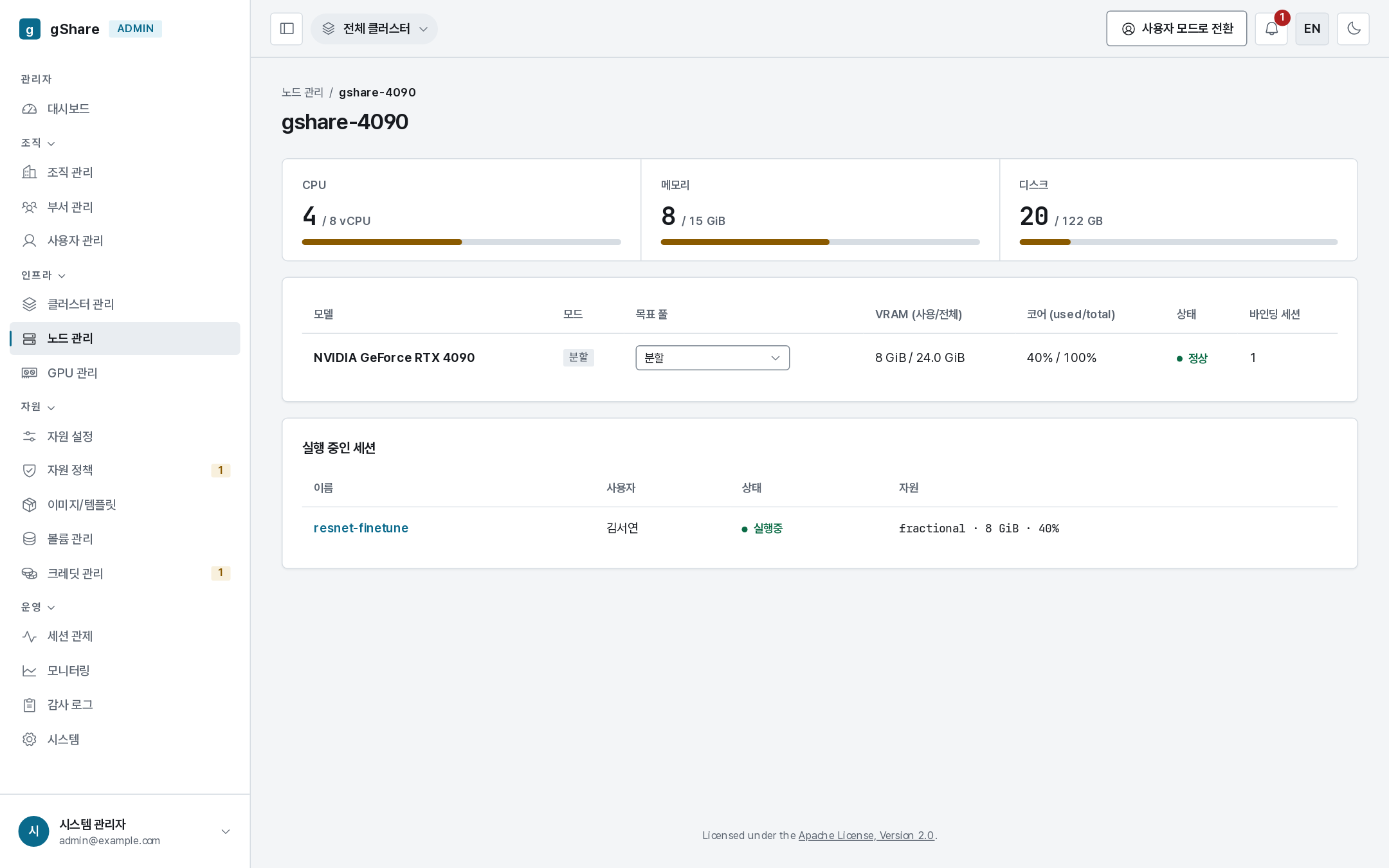
Per-node card views are reachable from Nodes.
Naming a card
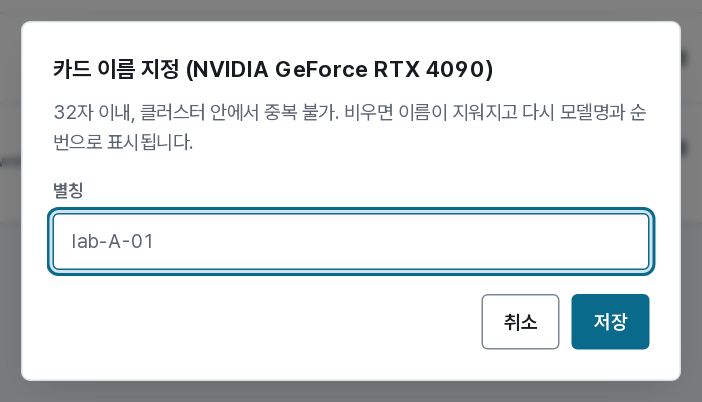
An alias (lab-4090-01, rack3-slot2) replaces the model-plus-index label everywhere the
card appears — the dashboard tile, the session detail page, the monitor. It has to be unique
within the cluster and at most 32 characters; clearing it restores the generated name.
Give aliases that match the sticker on the machine. When a user reports "the GPU on my session is slow", the alias is what makes that a location rather than a UUID.
Changing a card's mode
Each card runs in one mode — fractional (HAMi slices), exclusive (whole card), or MIG where the hardware supports it — and the mode is changeable per card from the row. The change is queued: the card stops taking new sessions and switches once its current sessions are gone, so nothing running is disturbed. A pending switch shows as current → target in the mode column.
Marking a card faulty

Mark faulty takes one card out of placement and ends every session bound to it
(gpu_fault): each is settled, and its owner is notified. That is deliberate — a process whose
CUDA context has died cannot be resumed, and an honest end beats a session that quietly bills
for a dead card.
Restore puts a repaired card back into placement.
Fatal Xid events reported by DCGM cordon the whole node automatically. The card action is for the narrower case: one card of several is bad, and the rest of the machine is fine.
Allocation is not utilization
The VRAM figure here is what the ledger reserved. What the card is actually doing comes from DCGM on the monitoring page. A fleet allocated to 90% and utilized at 15% is not short of hardware — it is short of idle timeouts and smaller tiers.