Groups
A group is a team inside an organization — a lab, a class, a project. It has members, administrators, a credit pool, and optionally its own resource policy.
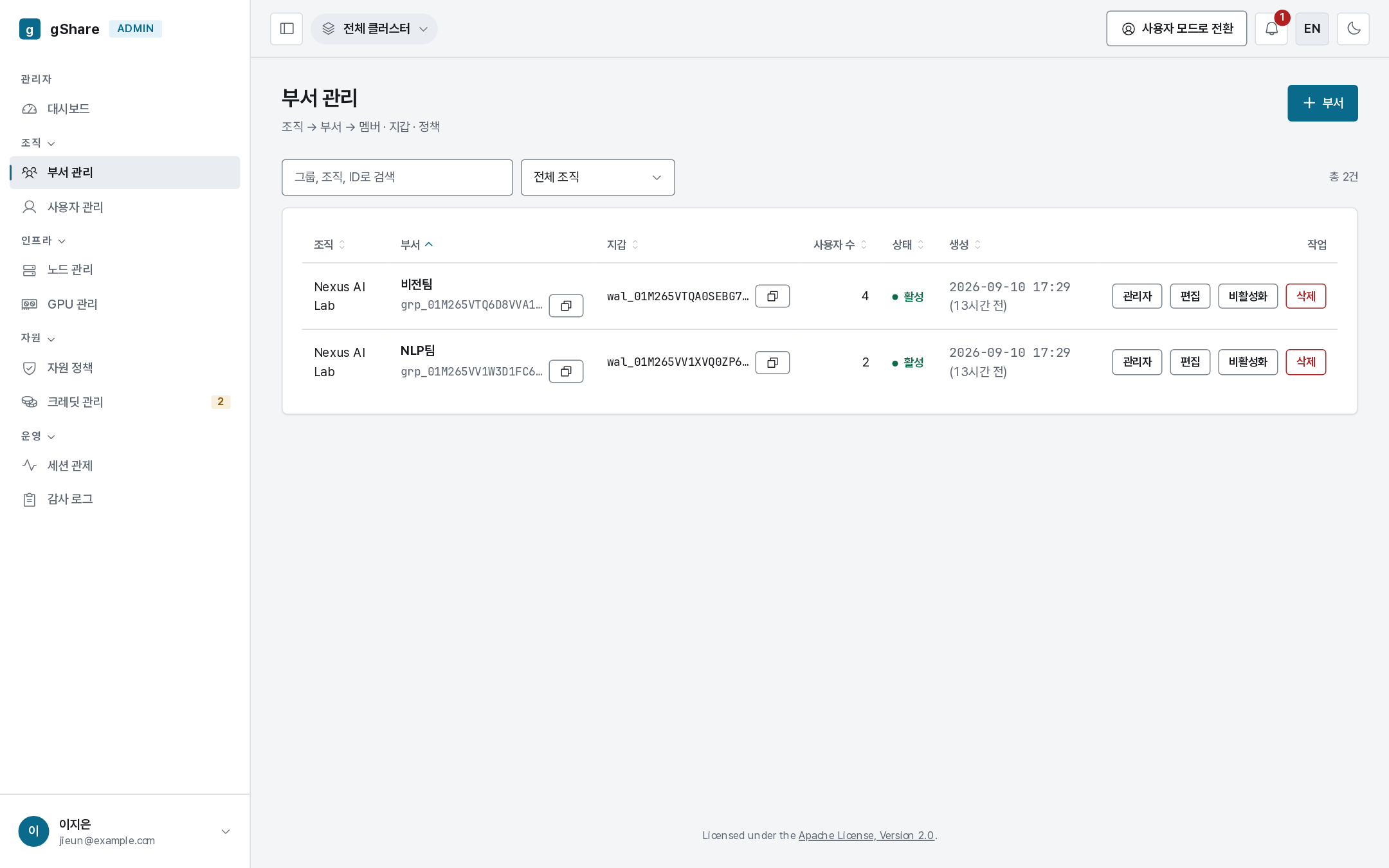
An org_admin sees their organization's groups; a group_admin sees their own. New group asks for a name and the organization.
Members
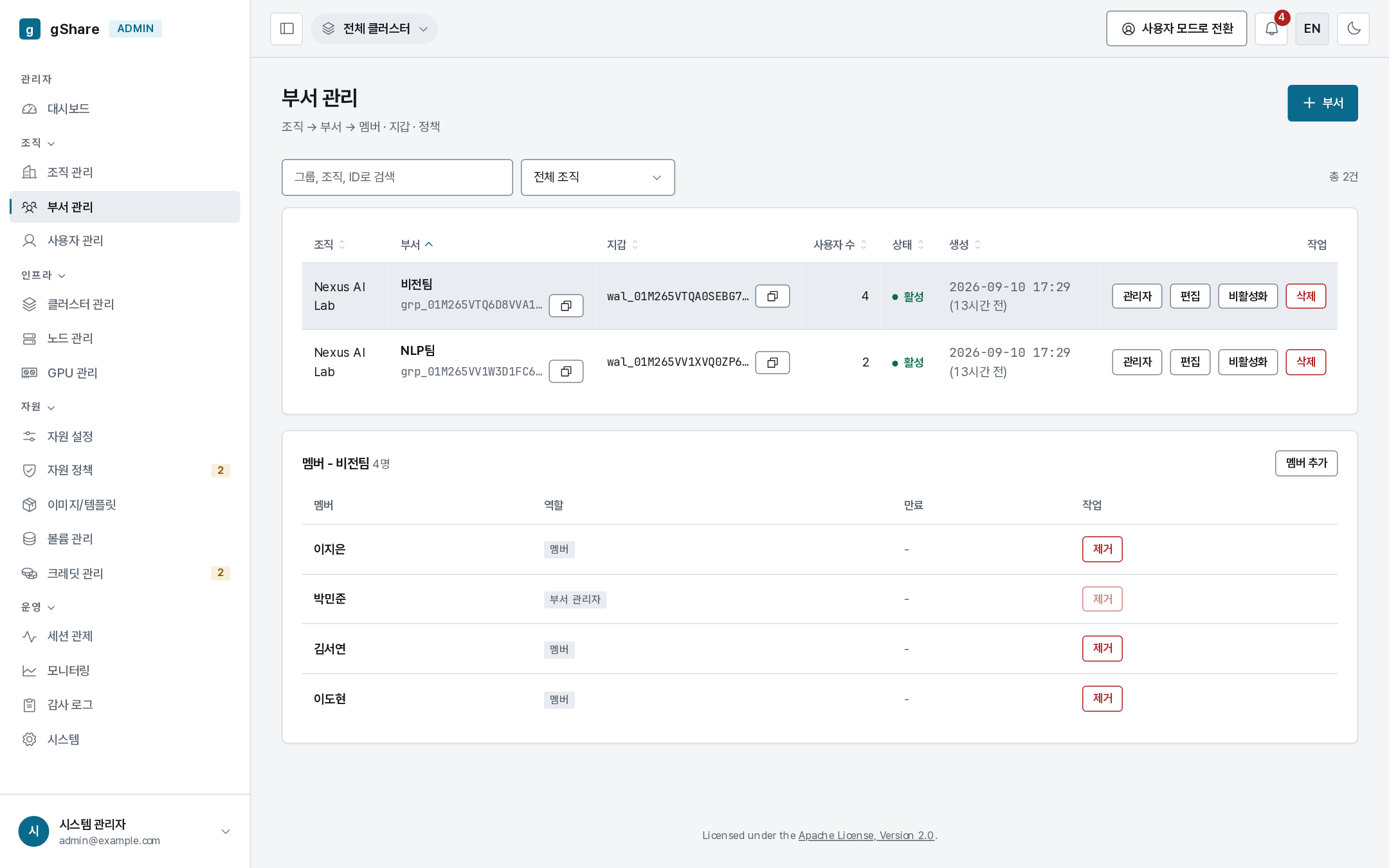
Clicking a group expands its member list. Add member picks from the organization's users; removing one takes effect immediately.
Membership is what gives a person:
- the group's credit pool as their source of allocations,
- the group's resource policy (unless a user-scope policy overrides it),
- access to the group's node pools and group volumes,
- visibility to the group's administrators in monitoring and the audit log.
A user can belong to several groups; sessions created in a group's context follow that group's policy.
Group administrators
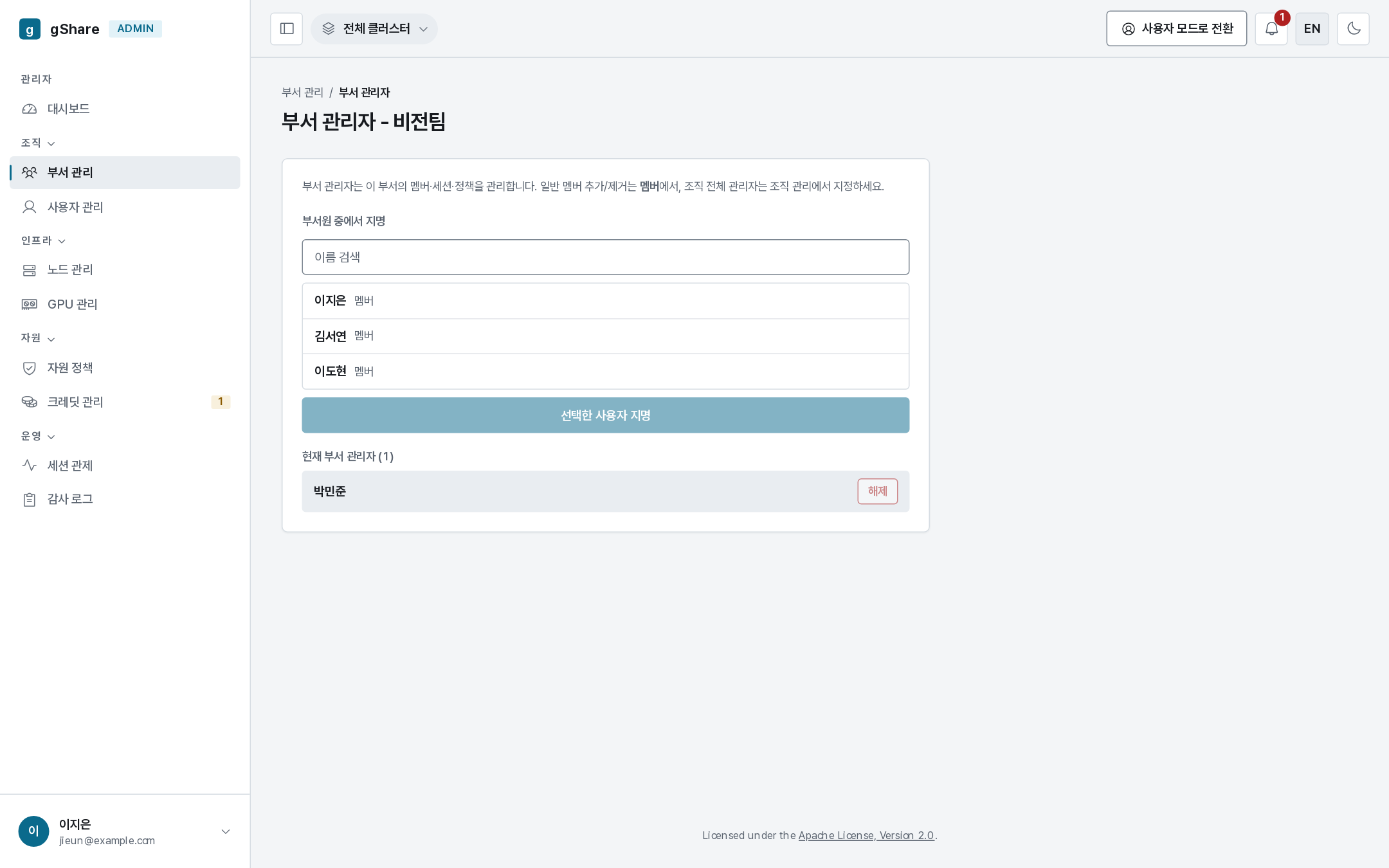
Administrators appoints group_admins from the group's members. A group_admin can:
- add and remove members,
- allocate the group's credits to individuals and set monthly refills,
- approve their members' credit requests,
- monitor and force-terminate their members' sessions,
- read the group's audit entries.
They cannot create groups, touch other groups, or change the catalog; the only policies they can set are their own group's and its members'.
Deactivating and deleting
Deactivate puts a group on ice: no new sessions or allocations, everything preserved, and it can be reactivated at any time. It is the right move at the end of a term.
Delete asks for the name and is refused while live sessions exist. The group's pool balance should be reclaimed to the organization first — deleting a group with credits in it strands them.
How many groups?
One per team that shares a budget. Groups are the unit of both money and policy, so the question to ask is "who should be allocated credits together, and be limited together" — not "who sits together".