Organizations
An organization is the top of the tenancy tree: it owns groups, groups own users, and credits flow down the same tree. Only a super_admin creates them.
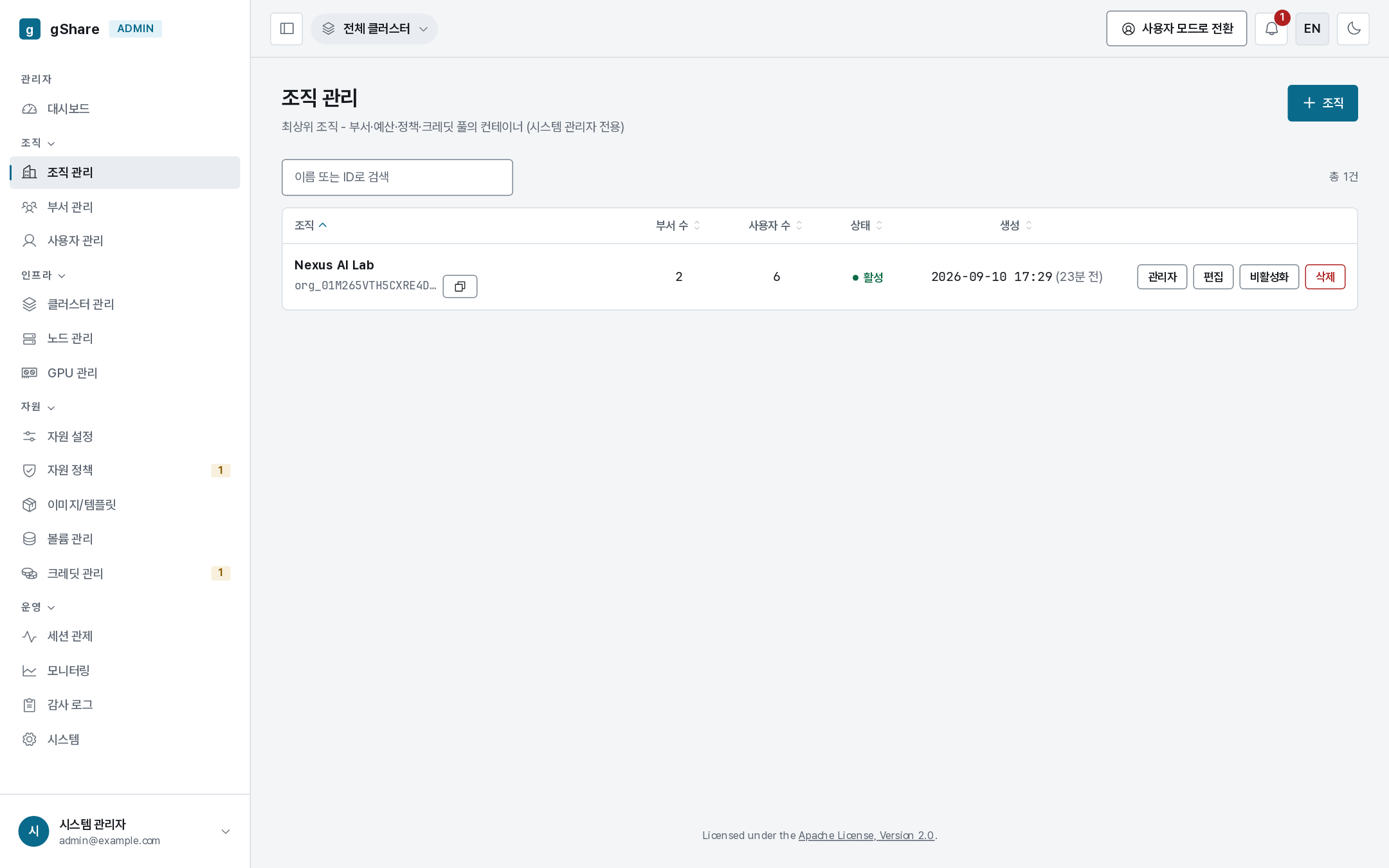
Each row shows the group and user counts. New organization needs a name — and optionally creates a dedicated node pool of the same name at the same time, which is the fast path when a department arrives with its own hardware (nodes are assigned to it later from Node pools).
Clicking a row expands it to the organization's groups, with a link into group administration.
Organization administrators
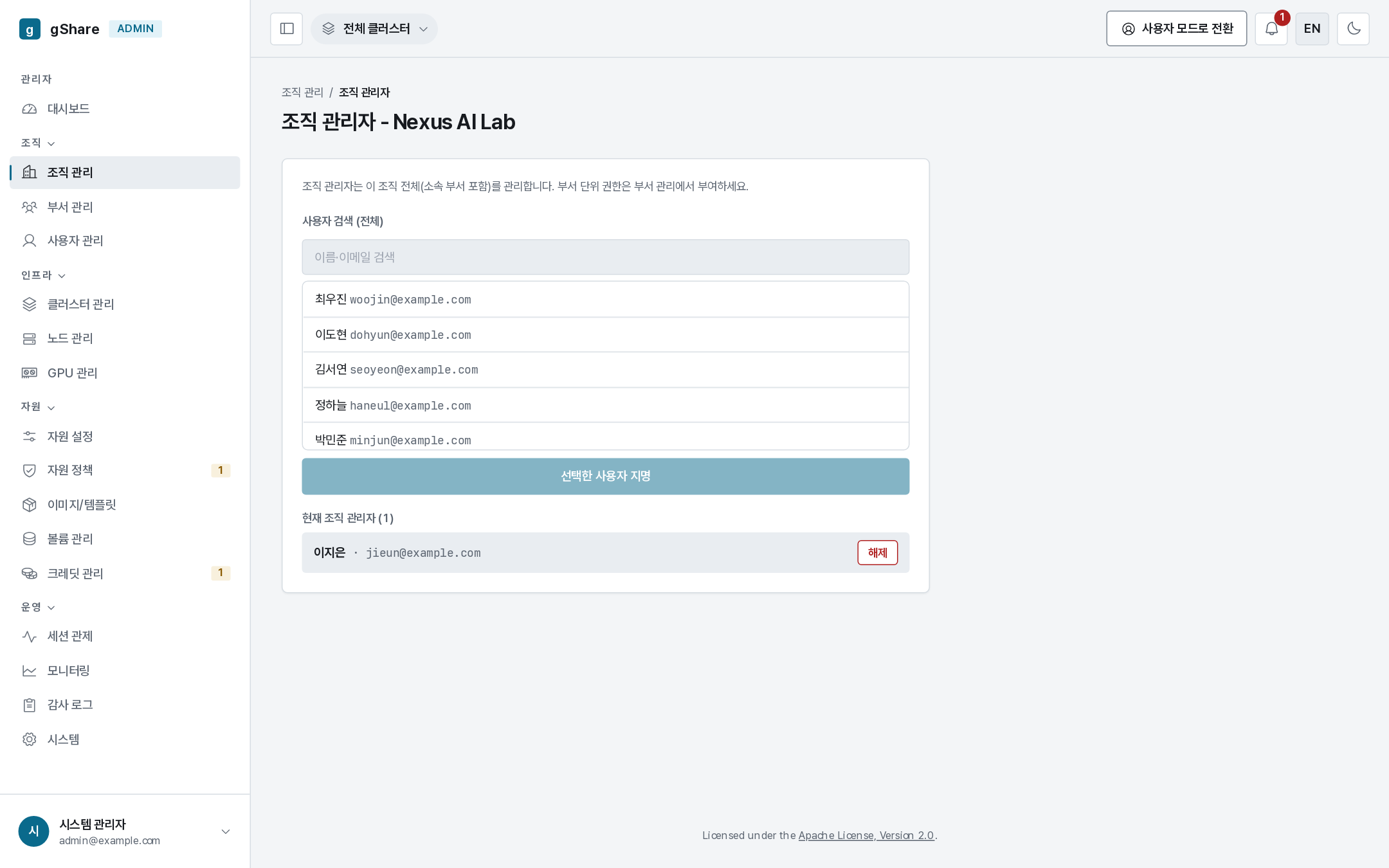
Administrators appoints org_admins from the organization's users. An org_admin manages every group and user of the organization, allocates the organization's credits to its groups, and sees the organization's sessions and audit entries — and nothing outside it.
Removing an administrator applies immediately and offers Undo for a few seconds; it does not touch their own sessions or credits, only their authority.
Appoint at least two. An organization with a single administrator who leaves needs a super_admin to unblock it.
Deleting
Deleting asks for the name to be typed, and is refused while the organization still has live groups. Groups, users and their data are not silently removed — dismantle them first, in that order:
- Terminate or let sessions finish.
- Move or delete group volumes (Storage).
- Reclaim credits from the group pools (Allocating).
- Delete or reassign users (Managing an account).
Budgets
An organization or group can carry a budget: a ceiling on credits its members may consume in a period, in one of two modes — alert (notify when exceeded) or block (refuse new sessions). Session admission checks a blocking budget after the personal wallet, so a group that has exhausted its budget is refused even when individual wallets still hold credits.
Budgets are managed through the API (/api/v1/budgets), not from the console. A budget is a
brake, not an allocation — the credits still have to exist in the wallets — and most sites use
allocation alone.