System settings
Operations → System holds the instance-wide settings. Everything here applies the moment it is saved, and every change is audited.
Branding
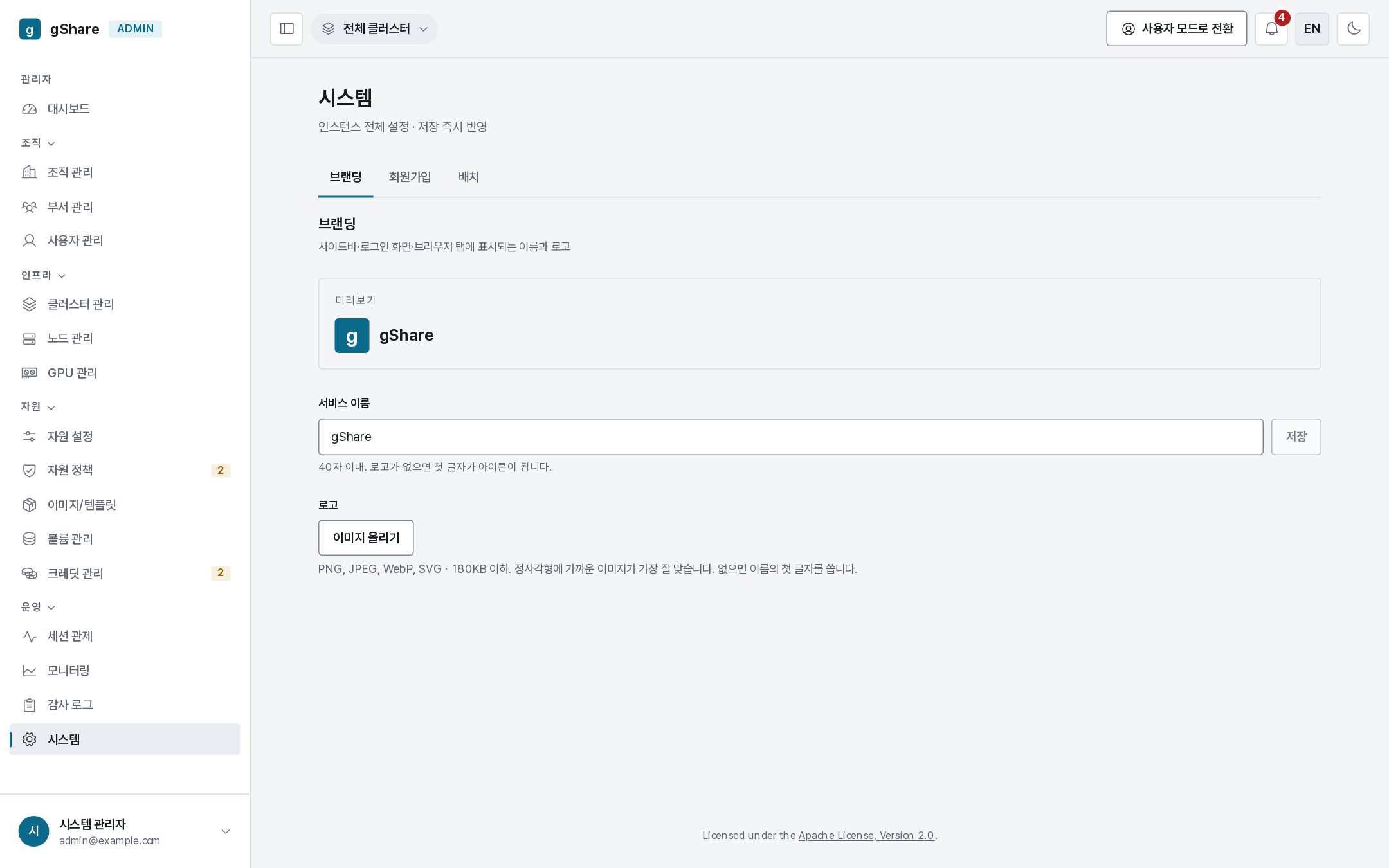
The service name and logo shown in the sidebar, on the sign-in screen, and in the browser tab. The name is at most 40 characters; the logo takes PNG, JPEG, WebP or SVG up to 180 KB and looks best close to square. With no logo, the first character of the name becomes the icon.
Changing the name is the quickest way to make a staging instance visibly not production.
Sign-up
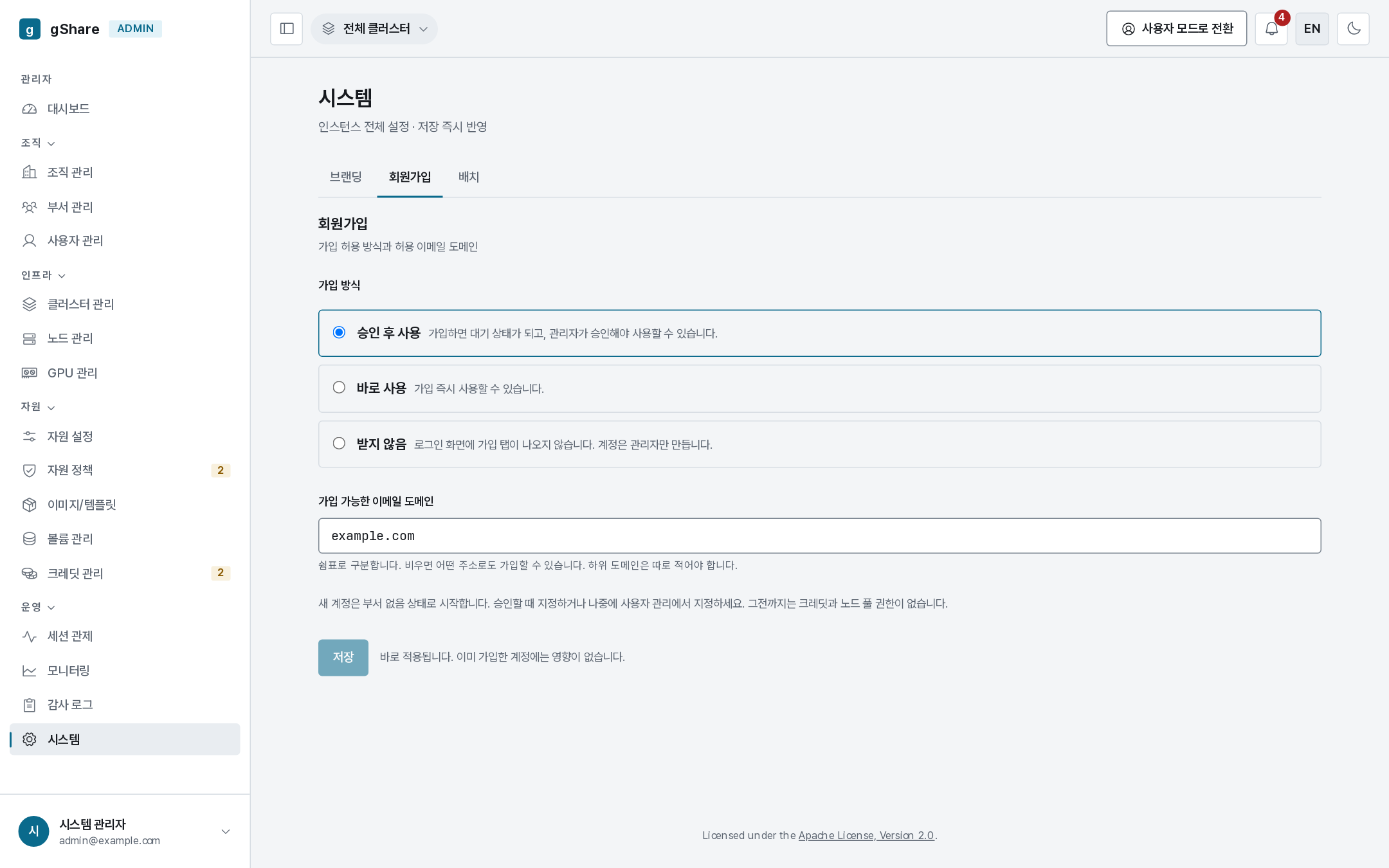
| Mode | Behavior |
|---|---|
| Closed | No sign-up tab on the sign-in screen. Administrators create every account |
| Approval | Anyone may register; the account is pending until an administrator approves it |
| Open | Registration is immediately usable |
Allowed email domains is a comma-separated list; empty means any address. Subdomains have to be listed separately. On a shared or internet-reachable instance, set this even in approval mode — it keeps the approval queue meaningful.
New accounts start with no group, which means no credits and no node-pool access. That is why the approval dialog asks for a group; an account approved without one can sign in and do nothing.
GPU placement
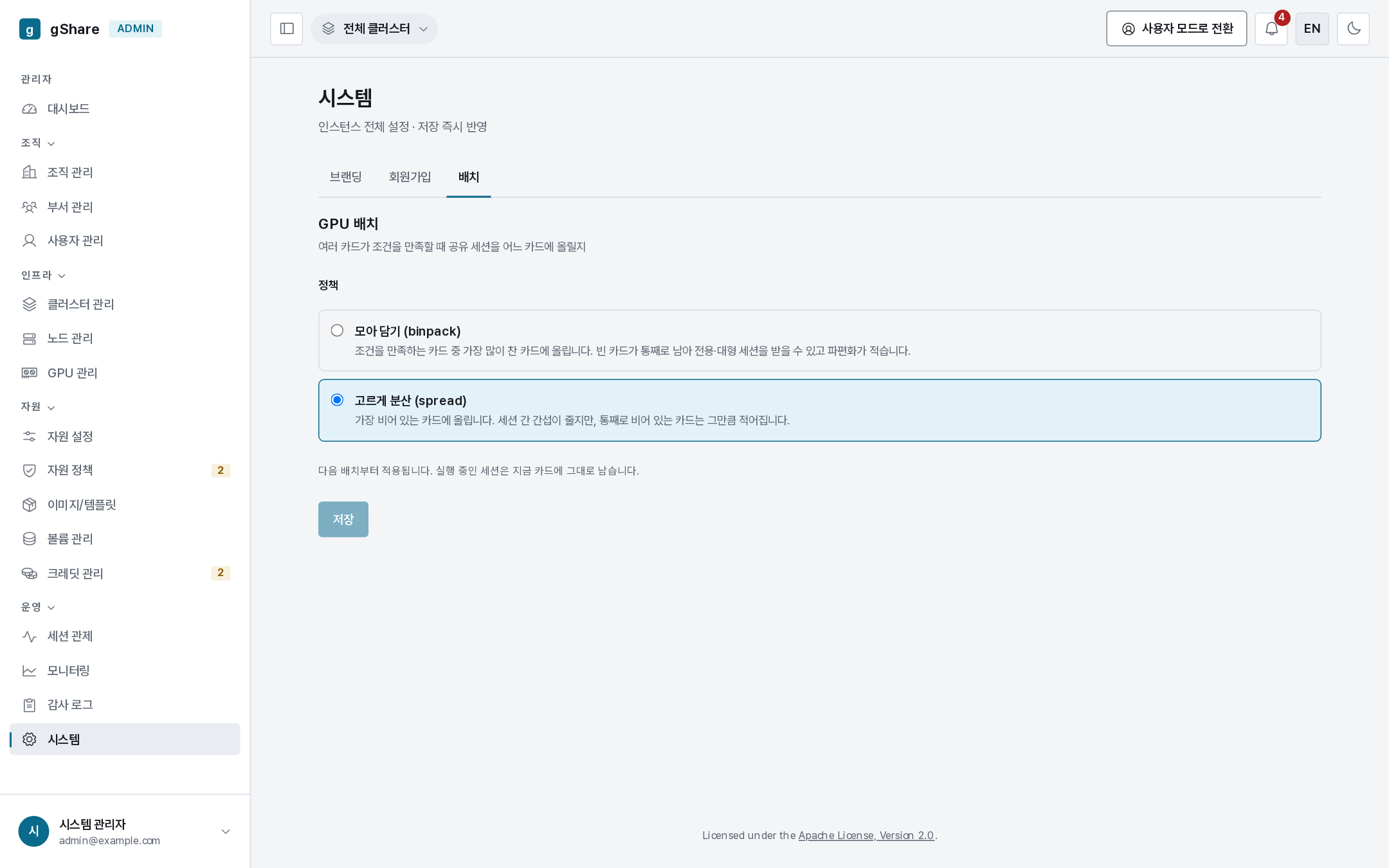
Which card a fractional session lands on when several qualify:
| Policy | Behavior | Use when |
|---|---|---|
| Binpack | Fills the busiest qualifying card first | You want whole cards left free for large sessions — the usual default |
| Spread | Uses the emptiest card first | You want each session to have the most headroom, at the cost of fragmenting the fleet |
Binpack keeps exclusive and XL tiers schedulable for longer; spread is friendlier to individual throughput on a lightly loaded cluster. It affects new placements only — nothing moves.
Settings that are not here
Anything that changes how the platform is deployed — replicas, database, ingress, the operator's flags, retention — lives in the Helm values, not the console. See Reference → Helm values.