Password
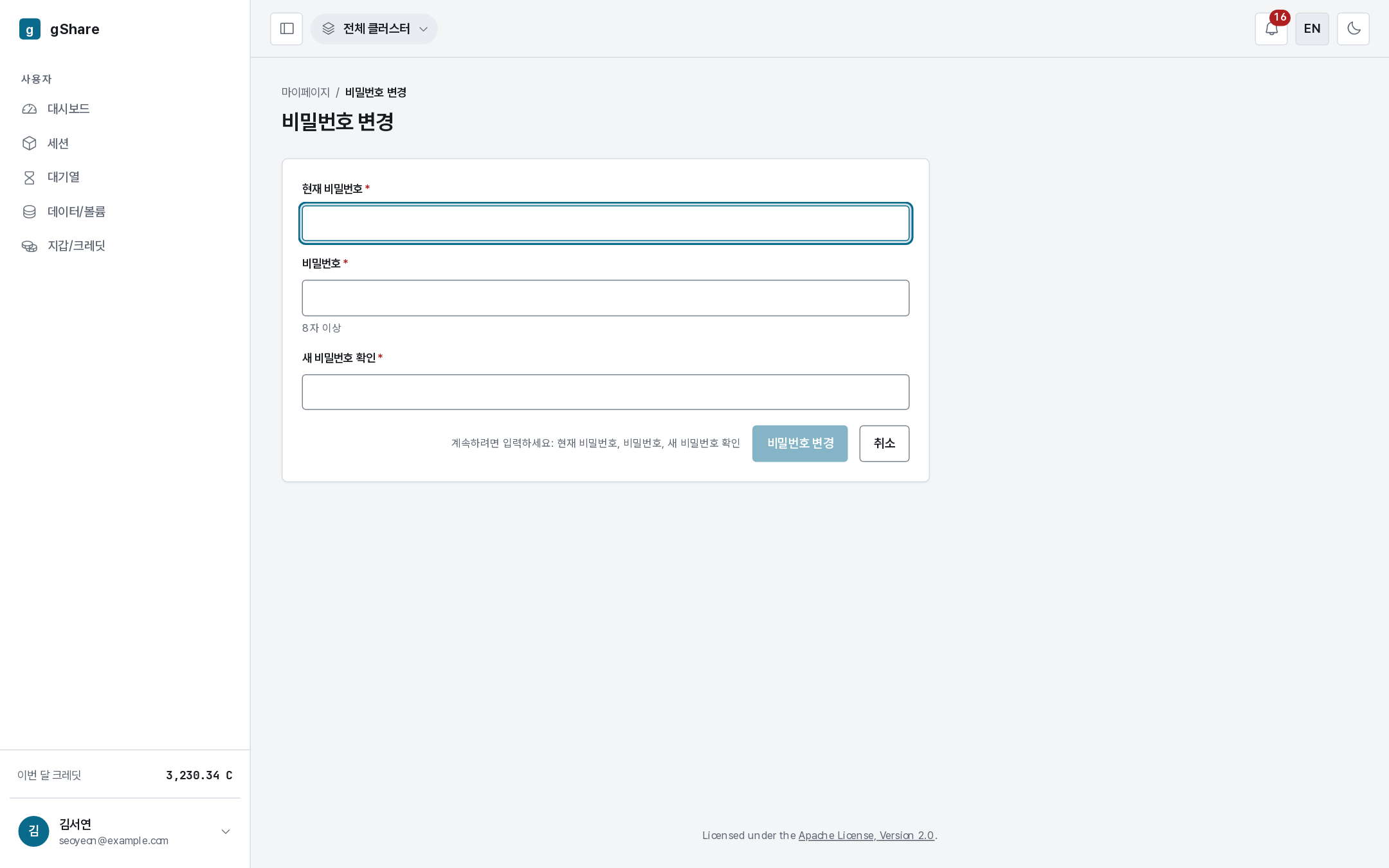
Change password asks for the current one and the new one twice. The rules are checked as you type: at least eight characters, and the two new entries must match. The button stays disabled, with the reason, until they do.
Changing the password does not affect running sessions.
First sign-in
An account starts with a password an administrator set, and the console requires you to change it before anything else. Until you do, every screen redirects back to the change form.
Pick something only you know: administrators can reset the password but never see it.
If you have forgotten it
There is no self-service reset. Ask an administrator (your group or organization administrator) to reset it — they set a temporary password and you are asked to change it at the next sign-in, exactly like a new account.
Keeping the account yours
- Session connect links are credentials too. A link into VS Code or JupyterLab grants entry to your session and your data until it is redeemed or expires; do not forward them (Connecting).
- Sign out on shared machines from the menu under your name.
- A sign-in — successful or not — is written to the audit log, so administrators can see if someone else has been trying.