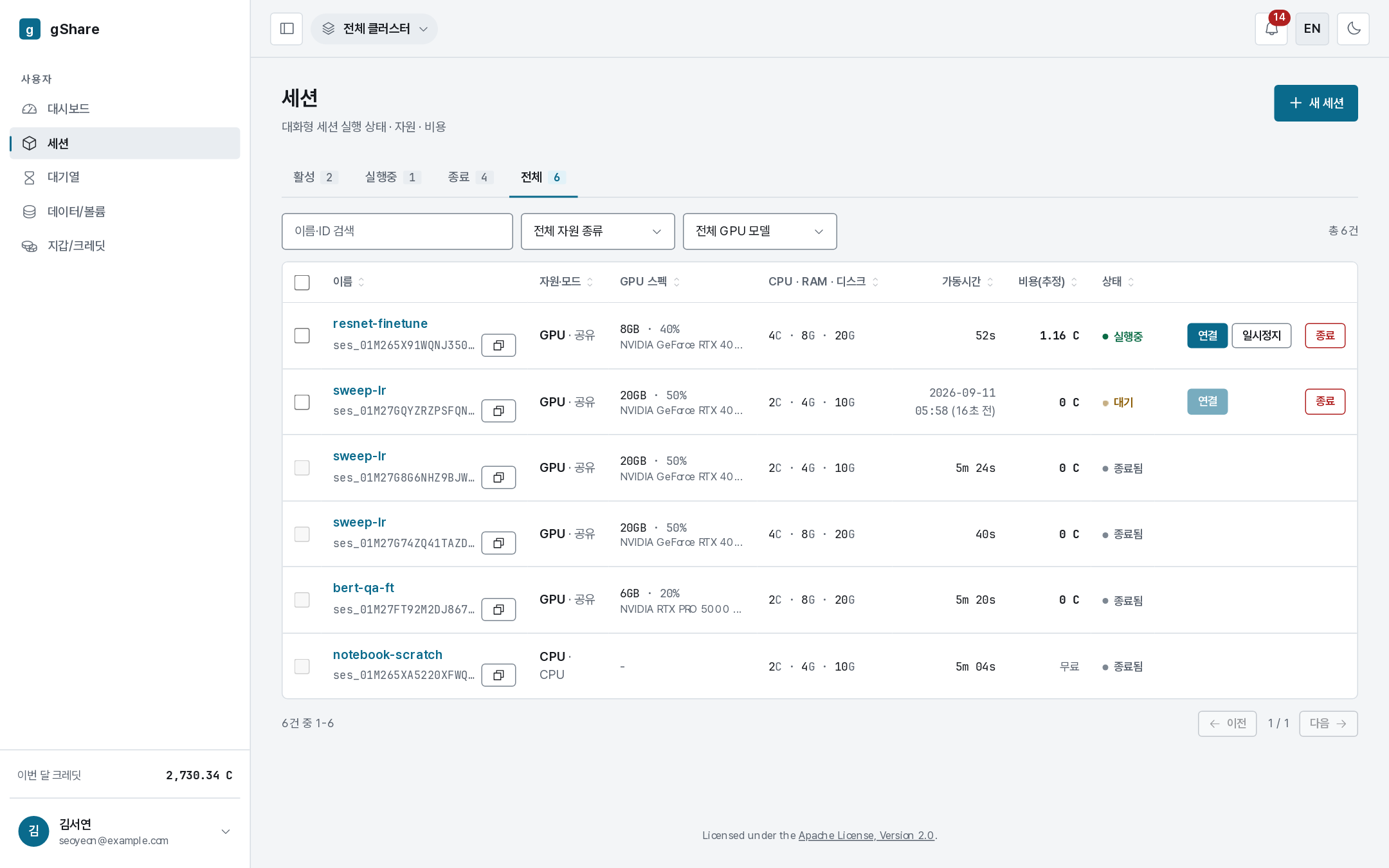
Ending a session
Terminating is final. It settles the bill, releases the GPU, and deletes the container. Use pause instead when you intend to come back.
Ending one session
Terminate on the detail page (or on a row in the list) asks first:
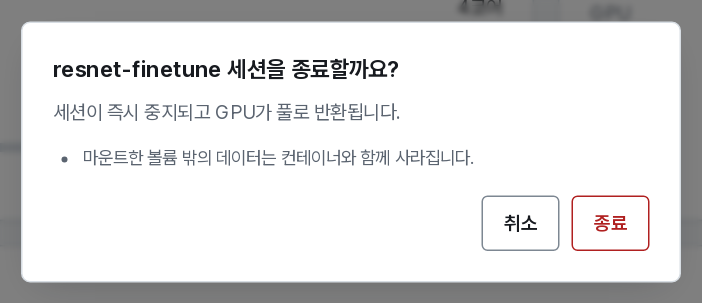
The dialog names the session, says what happens — the session stops at once and the GPU goes back to the pool — and lists what you lose: anything outside a mounted volume disappears with the container.
What happens to your money
- Billing stops at the moment of termination.
- The hold taken at start is settled: what the session actually consumed is charged, and the rest is refunded to your wallet.
- The final figure appears in the session row and in your wallet history, linked to the session.
A session that never started — one cancelled from the queue — is not billed at all.
What survives
| Survives | Goes away |
|---|---|
| Files on mounted volumes, at the paths you mounted them | Everything on the container's scratch disk, including installed packages |
| The session's record, event log, and bill in your history | The container, its processes, and its connect links |
| Volumes themselves, and what they cost (nothing) | The GPU reservation |
Work saved in the home directory of a JupyterLab session is on the scratch disk, not on a volume, unless you put it there. Copy anything you want to keep to a mounted path before you terminate.
Ending several at once
Tick the rows you want in the session list and a toolbar appears above the table.
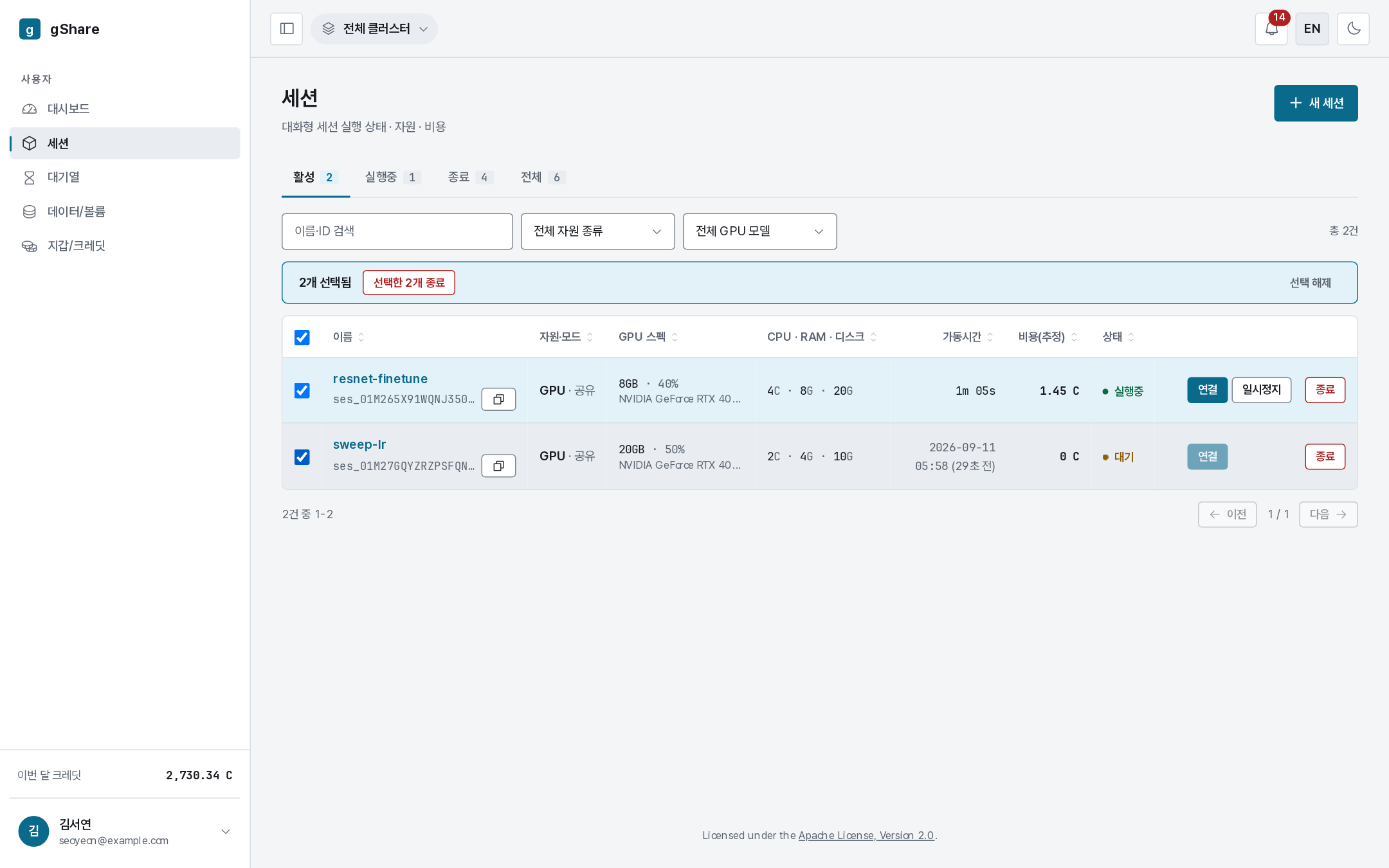

Terminate selected (N) ends them together; Clear selection puts the list back.

The confirmation names every session it is about to end. From five sessions upwards it also asks you to type the count, because a slip here is expensive and cannot be undone.
After the fact
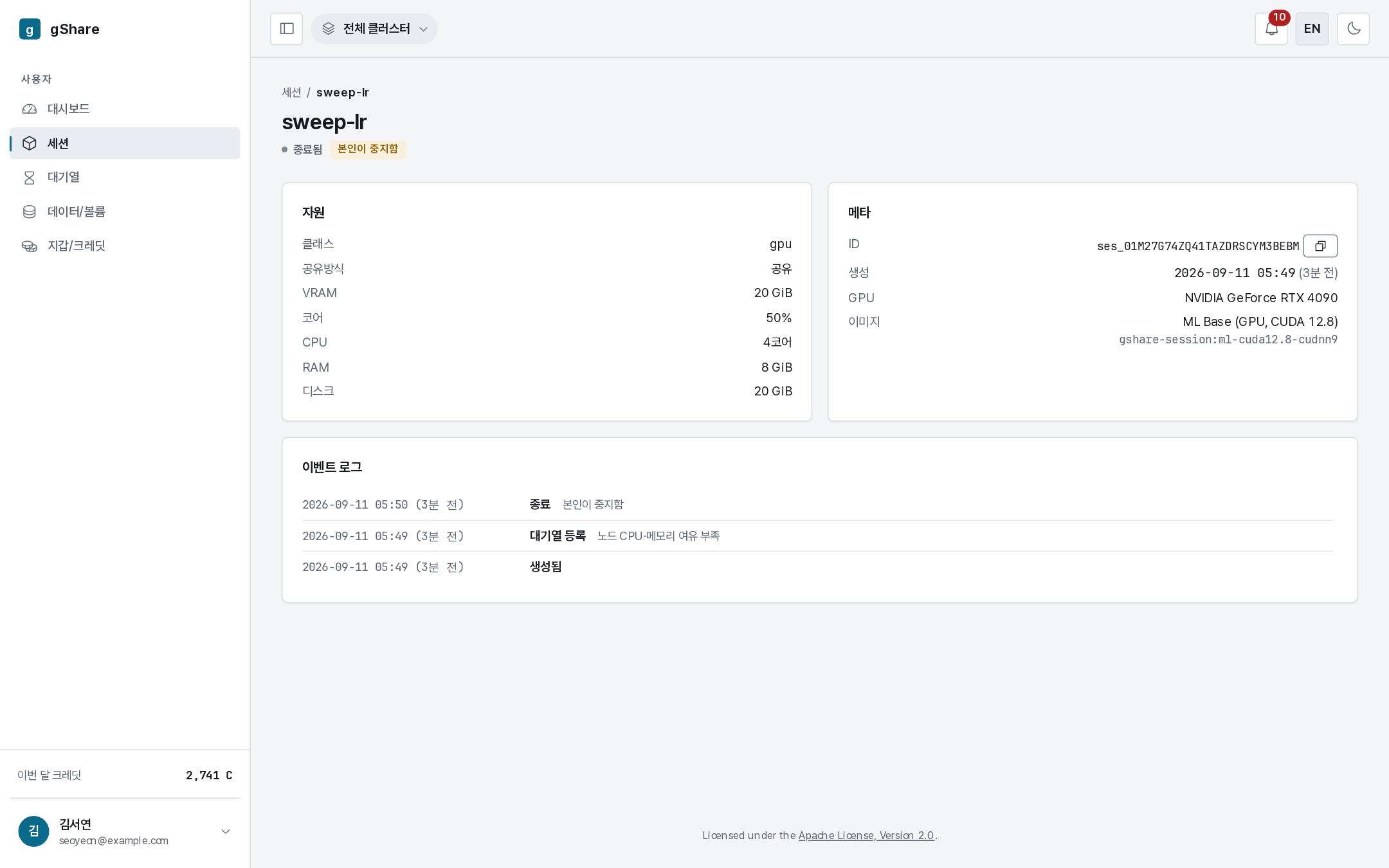
A terminated session keeps its page. The resources it held, the volumes it mounted, the full event log, and what it finally cost stay readable — useful when you are reconstructing an experiment or explaining a bill. The Terminated tab of the list is the same history, and the All tab shows live and finished sessions together.