Managing a session
Everything you do to a live session is on its detail page.

| Button | What happens |
|---|---|
| Pause | The container is torn down, the GPU is returned, and billing stops. The session, its volumes, and the credit hold are kept. |
| Restart | A pause followed immediately by a resume — the quick way out of a wedged process. |
| Terminate | Ends the session for good and settles the bill. See Ending a session. |
| Connect | Opens the links described in Connecting. |
Pausing
Pause is the polite way to stop working for a while. It gives the card back so someone else can use it, and your balance stops falling.
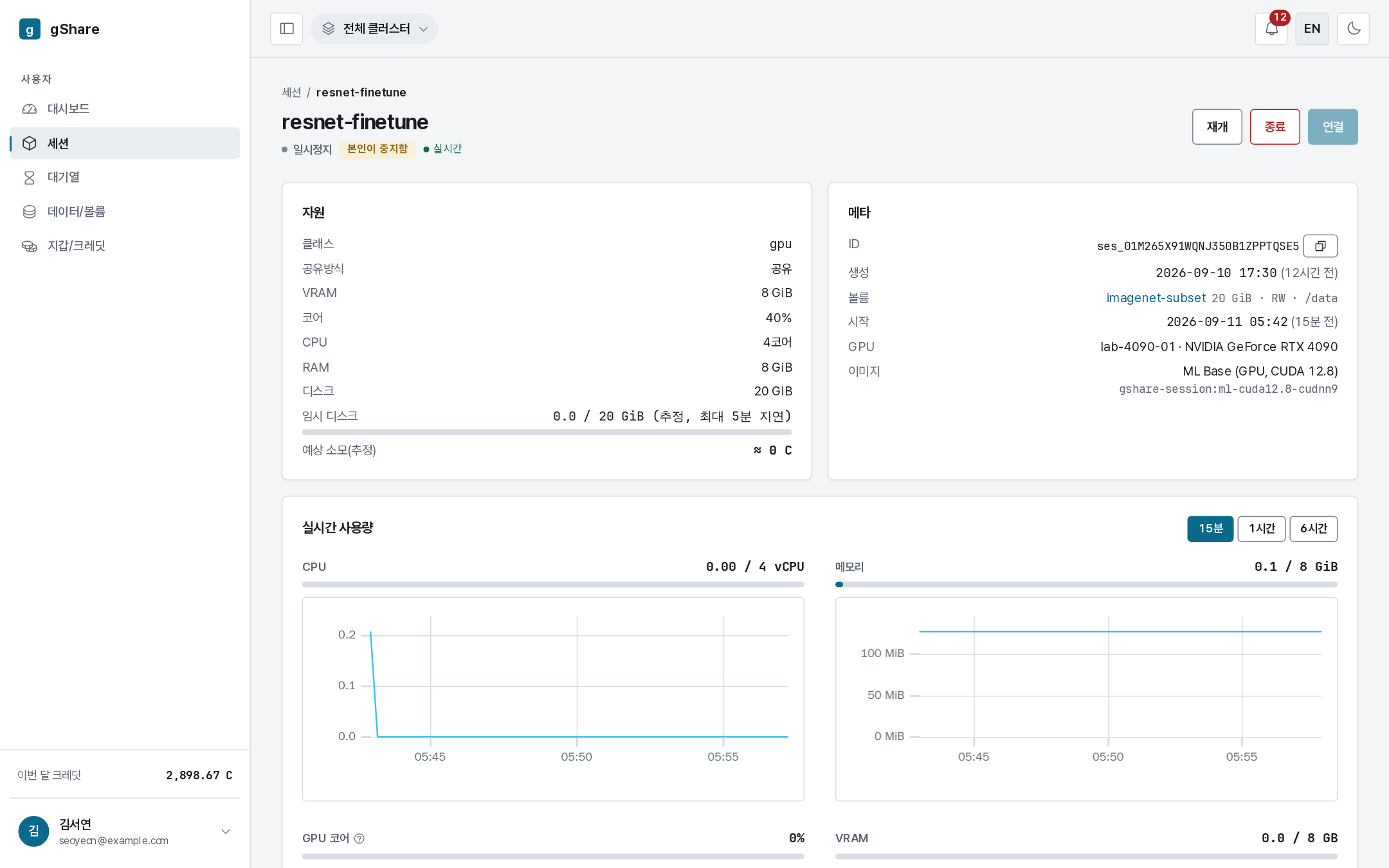
The status line says paused and why — stopped by you, or idle when the policy paused it for you. The scratch disk is gone with the container; your volumes and everything on them are untouched, and keeping them costs nothing.

Resume asks for a GPU again. If one is free the session is back in a few seconds; if the cluster is full it waits in the queue and comes up by itself. The session keeps its name, its image, and its mounts.
Your site's policy sets an idle timeout (an hour, in the default catalog). A GPU session whose card has been doing nothing that long is paused automatically, so a forgotten notebook does not hold a card overnight. Nothing is lost — resume and carry on.
Watching a session run
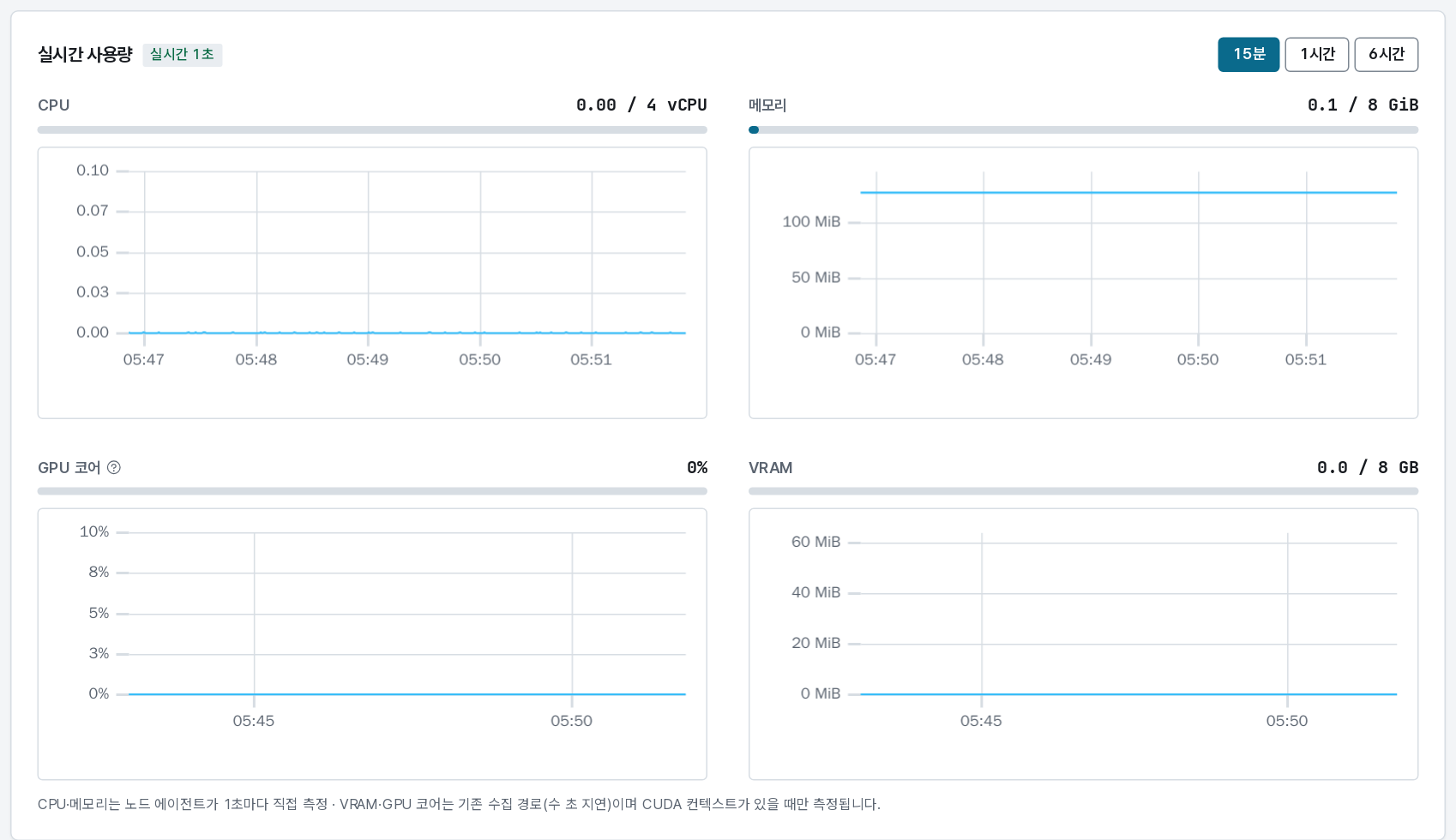
The live usage panel charts CPU, memory, GPU cores, and VRAM over the last 15 minutes, hour, or 6 hours. Where the per-node agent is deployed, CPU and memory are sampled once a second and the panel is marked live 1s; GPU figures come through the metrics pipeline and lag by a few seconds. VRAM only reads above zero while a CUDA context is open — an idle notebook shows 0.
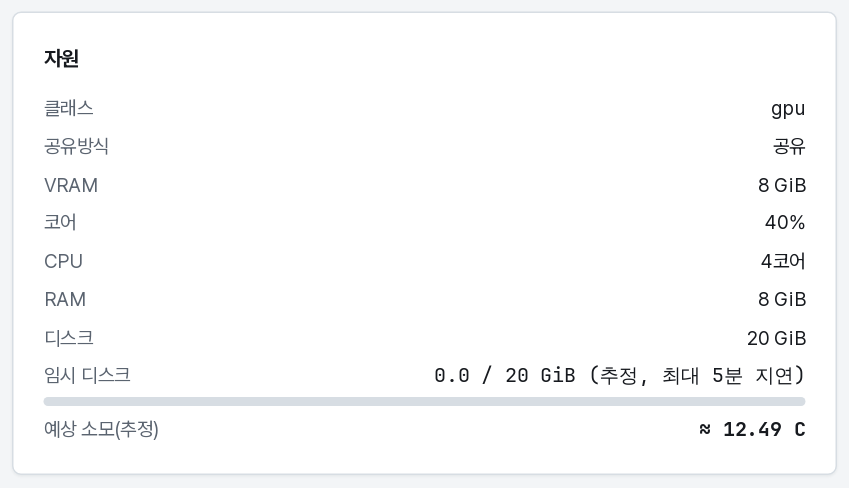
The Resources card is what the session holds: class, sharing mode, VRAM, cores, CPU, RAM, disk, how full the scratch disk is, and the estimated spend so far.
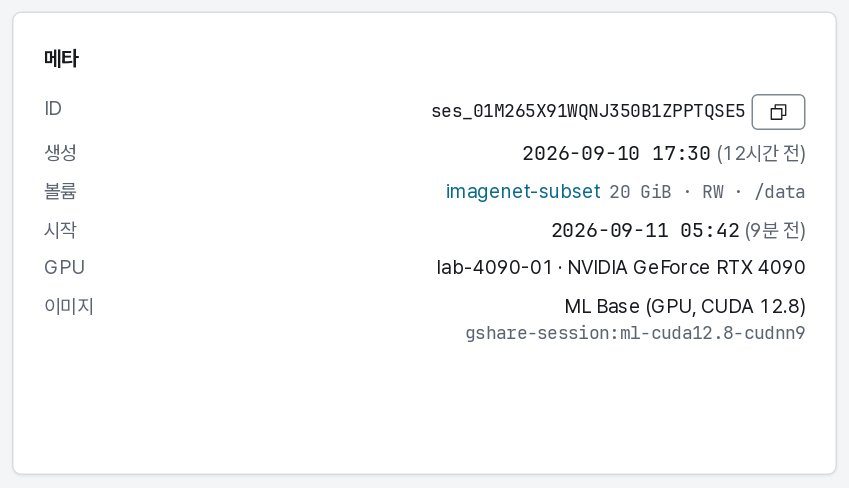
Meta is where it came from and where it runs: the session id (with a copy button, for tickets), when it was created and started, the mounted volumes with their modes and paths, the exact card it is bound to, and the image reference.
The event log
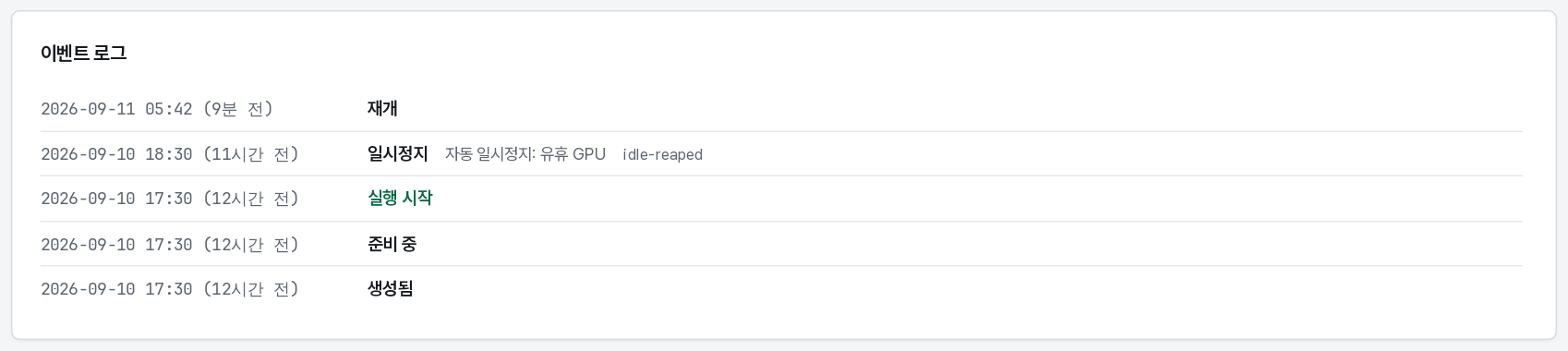
Every transition, in order, with the reason attached: queued (and how long it waited), started, paused, resumed, terminated. When something goes wrong — the image could not be pulled, the container crashed, the node went offline — this is where it says so.
Restart, and when to use it
Restart is a pause and a resume in one click. It is the right move when the process inside is stuck but the session is still the one you want. It is not a way to get a bigger GPU slice: the resources were fixed when the session was created. For different resources, end the session and create a new one.