Requesting credits
When the balance runs short, ask your group for more. Request credits is on the wallet page and on the dashboard.
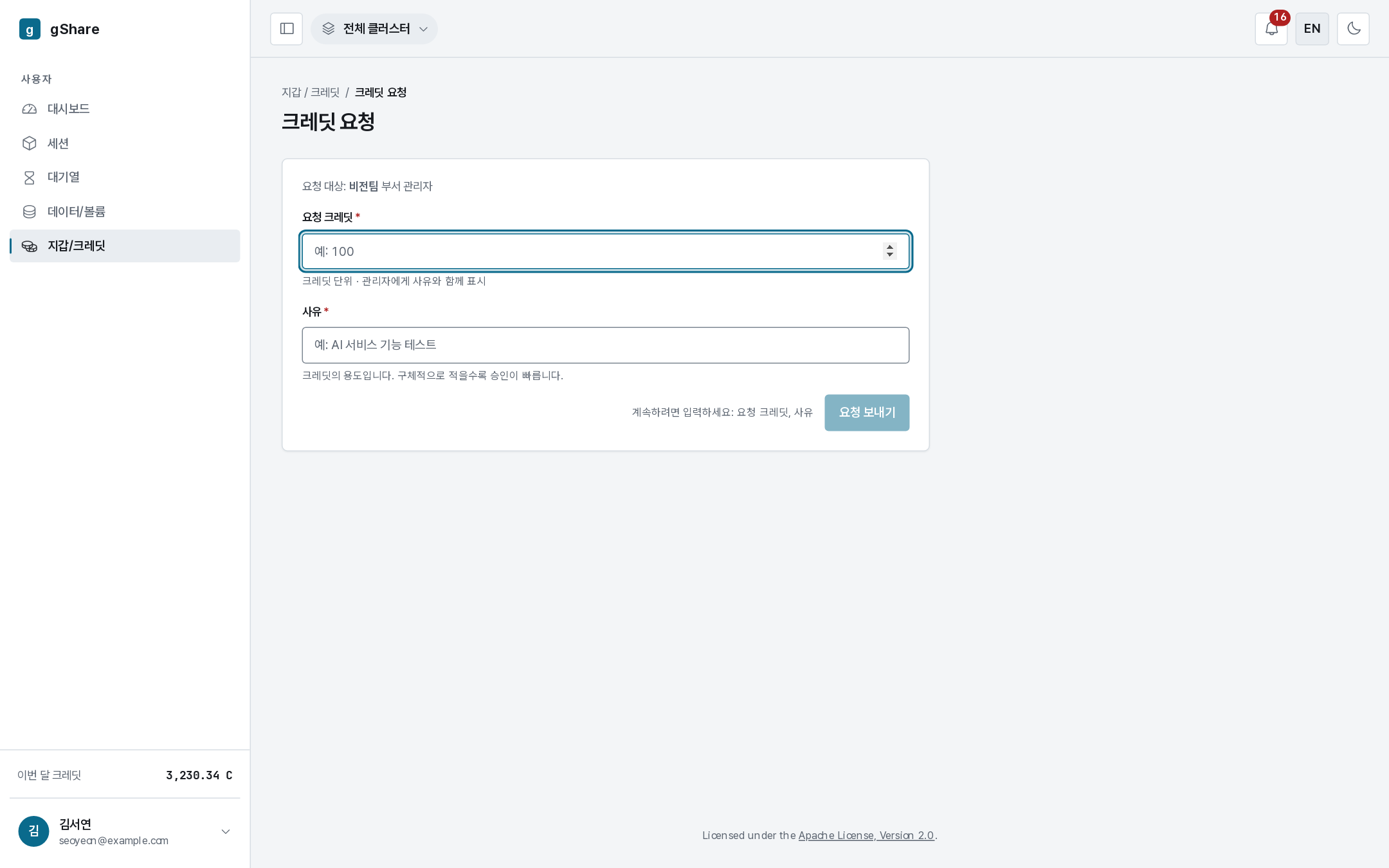
Sending a request
The form says who it goes to — the administrators of your group — and asks for two things:
- Amount in credits.
- Reason. It is shown to the administrator alongside the amount; a specific one ("ImageNet fine-tuning, about 40 GPU-hours") is approved faster than "need more credits".
A rough way to size it: the session wizard shows credits per hour for the configuration you intend to run. Multiply by the hours you need, and add some slack for the runs that fail.
Tracking it
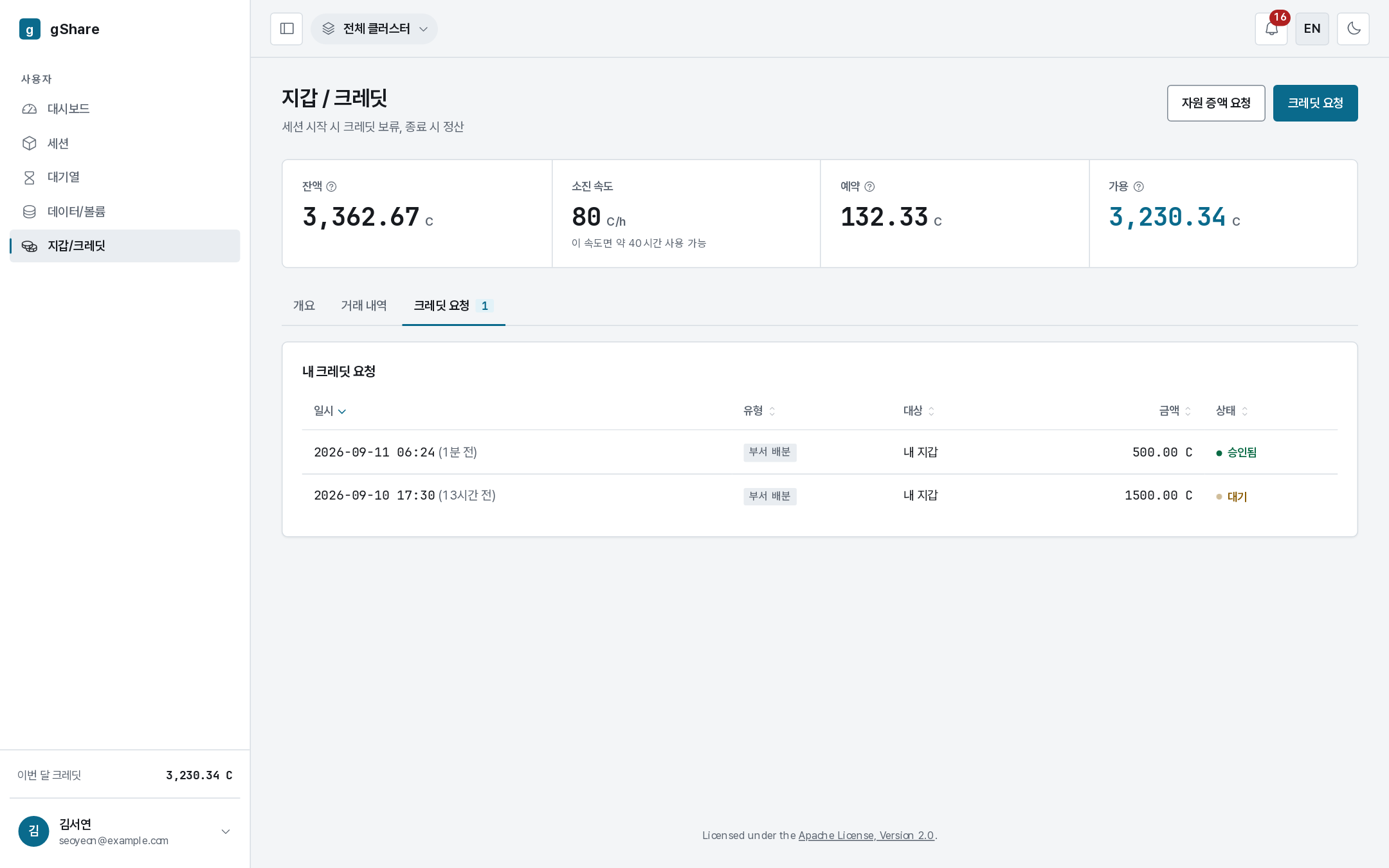
The Credit requests tab lists what you have asked for with its state:
| State | Meaning |
|---|---|
| Pending | Waiting for an administrator |
| Approved | The credits are already in your wallet — the ledger has the allocation row |
| Rejected | Declined, with the administrator's reason |
You are notified either way; the bell keeps the history (see Notifications).
More resources, not more credits
Credits are not the only limit. If a session is refused for quota — too many concurrent sessions, too much VRAM, not enough storage — more credits will not help. That is a resource policy matter, and the console has a separate Request resource increase button for it, next to this one.
The rule of thumb:
| Symptom | Ask for |
|---|---|
| Insufficient credits when starting a GPU session | Credits |
| Quota exceeded, concurrency limit reached, storage full | A resource increase |
| Sessions queue for a long time | Neither — the cluster is busy; see the queue |